Light
The light component attaches a dynamic light source to an entity. The 'Type' property determines what kind of light is attached and what other properties are available.
The light component can be enabled or disabled using the toggle in the top-right of the component panel. When enabled, the light illuminates the scene.
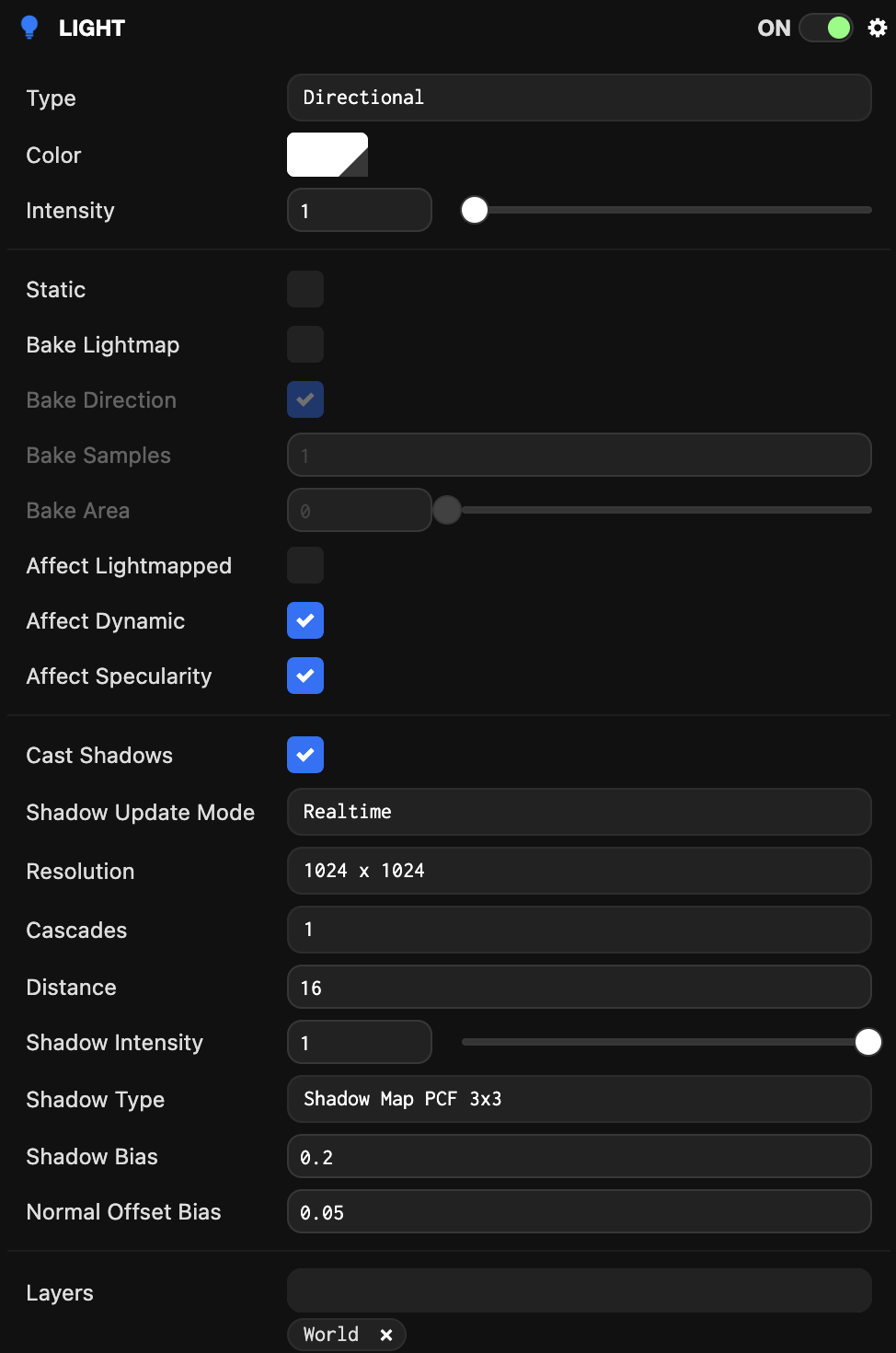
Directional
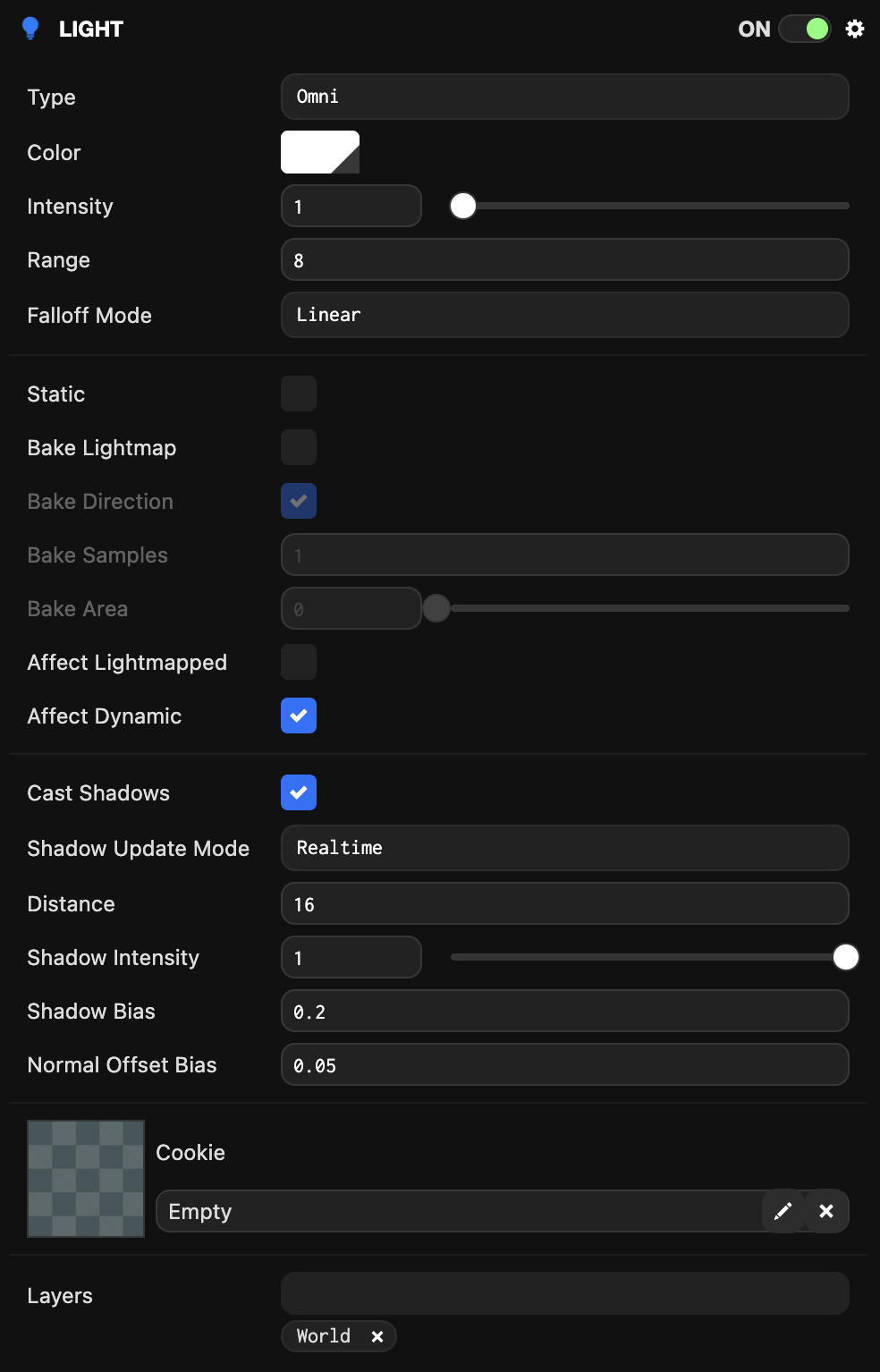
Omni
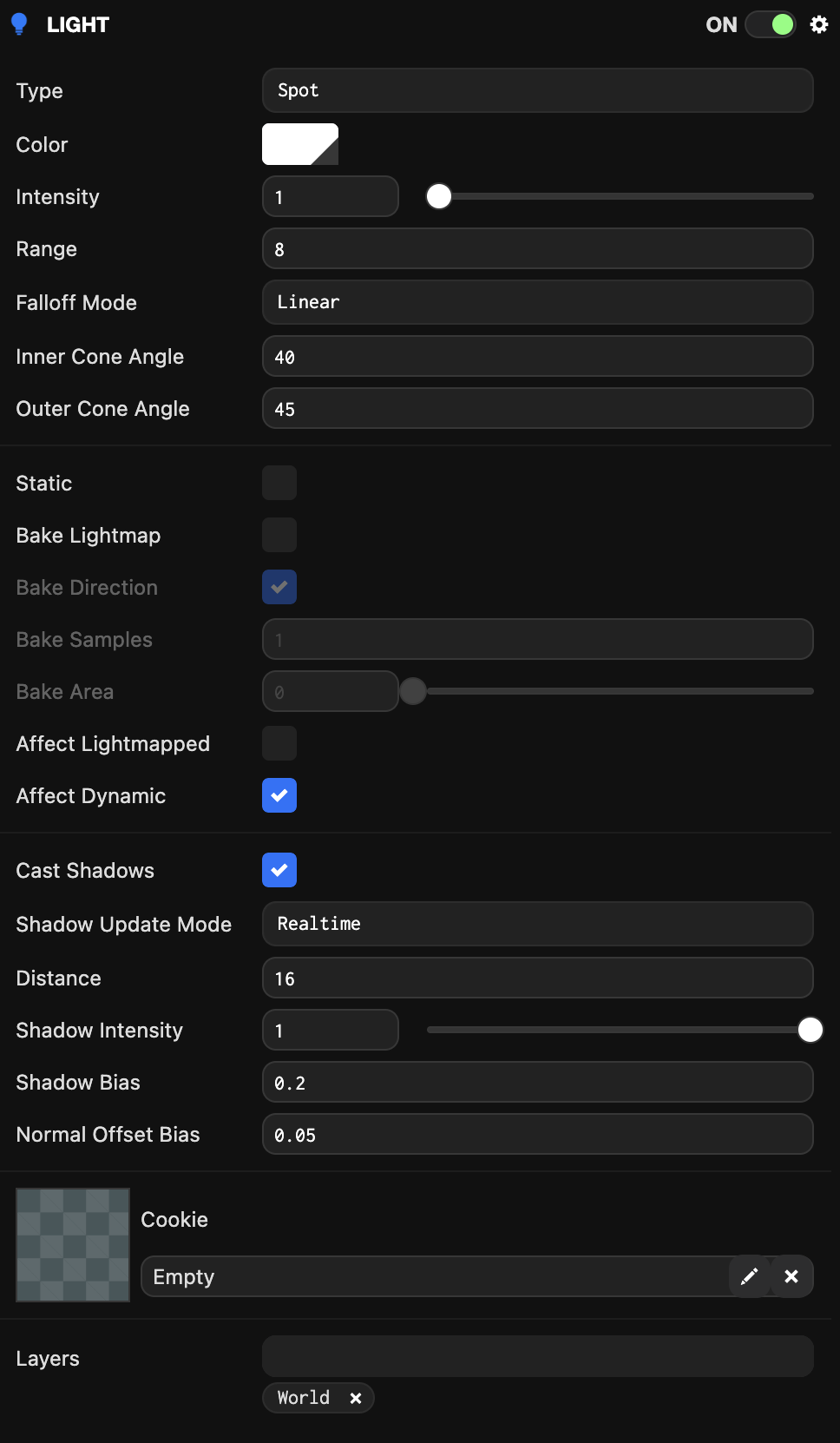
Spot
Properties
| Property | Description |
|---|---|
| Type | Can be one of the following:
|
| Color | The color of the emitted light. |
| Intensity | The intensity of the light, acting as a scalar value for the light color. This value can exceed 1. |
| Range | Omni and Spot only. The distance from the spotlight source at which the light's contribution reaches 0. |
| Falloff Mode | Omni and Spot only. Controls the rate at which the light attenuates from its position. |
| Inner Cone Angle | The angle at which the spotlight cone starts to fade off. The angle is specified in degrees. Only affects spot lights. |
| Outer Cone Angle | The angle at which the spotlight cone completely disappears. The angle is specified in degrees. Only affects spot lights. |
| Static | Marks the light as immovable (optimization). |
| Bake Lightmap | Enables lightmap baking for this light. |
| Bake Direction | When enabled and bake is true, the light's direction contributes to directional lightmaps. |
| Bake Samples | The number of samples used to bake this light into the lightmap. |
| Bake Area | The penumbra angle in degrees, allowing for soft shadow boundaries. |
| Affect Lightmapped | When enabled, the light affects lightmapped objects. |
| Affect Dynamic | When enabled, the light affects non-lightmapped objects. |
| Cast Shadows | When checked, models that cast shadows will cast shadows from this light. |
| Shadow Update Mode | Determines when this light's shadowmap is updated. Can be one of:
|
| Distance | Directional light only. Shadow distance is the maximum distance from the camera at which shadows from directional lights are no longer visible. Smaller values produce more detailed shadows. The closer the limit, the less shadow data needs to be mapped, represented by the shadowmap. Since shadowmap pixels are mapped spatially, the smaller the distance the shadowmap needs to cover, the smaller the pixels become, resulting in higher shadow resolution. |
| Shadow Intensity | The intensity of shadow darkness, where 1 means the shadow is completely black. |
| Shadow Bias | Bias values enable shadow adjustment to remove rendering artifacts, namely 'shadow acne' and 'peter-panning'. The two values are shadow bias and normal offset bias. |
| Normal Offset Bias | Normal offset depth bias. |
| Cookie | Omni and Spot only. The texture asset to be projected from the light. |
| Cookie Intensity | Omni and Spot only. Defines the intensity of the cookie texture. |
| Cookie Falloff | Spot only. Disables spotlight fadeoff. |
| Layers | The layers this light will affect. |
Scripting Interface
You can control the light component's properties using a script component. The light component's scripting interface is here.