User Interface
User interfaces present unique challenges for graphical applications. There are several options for building user interfaces in OasisW.
Screen and Element Components (Recommended)
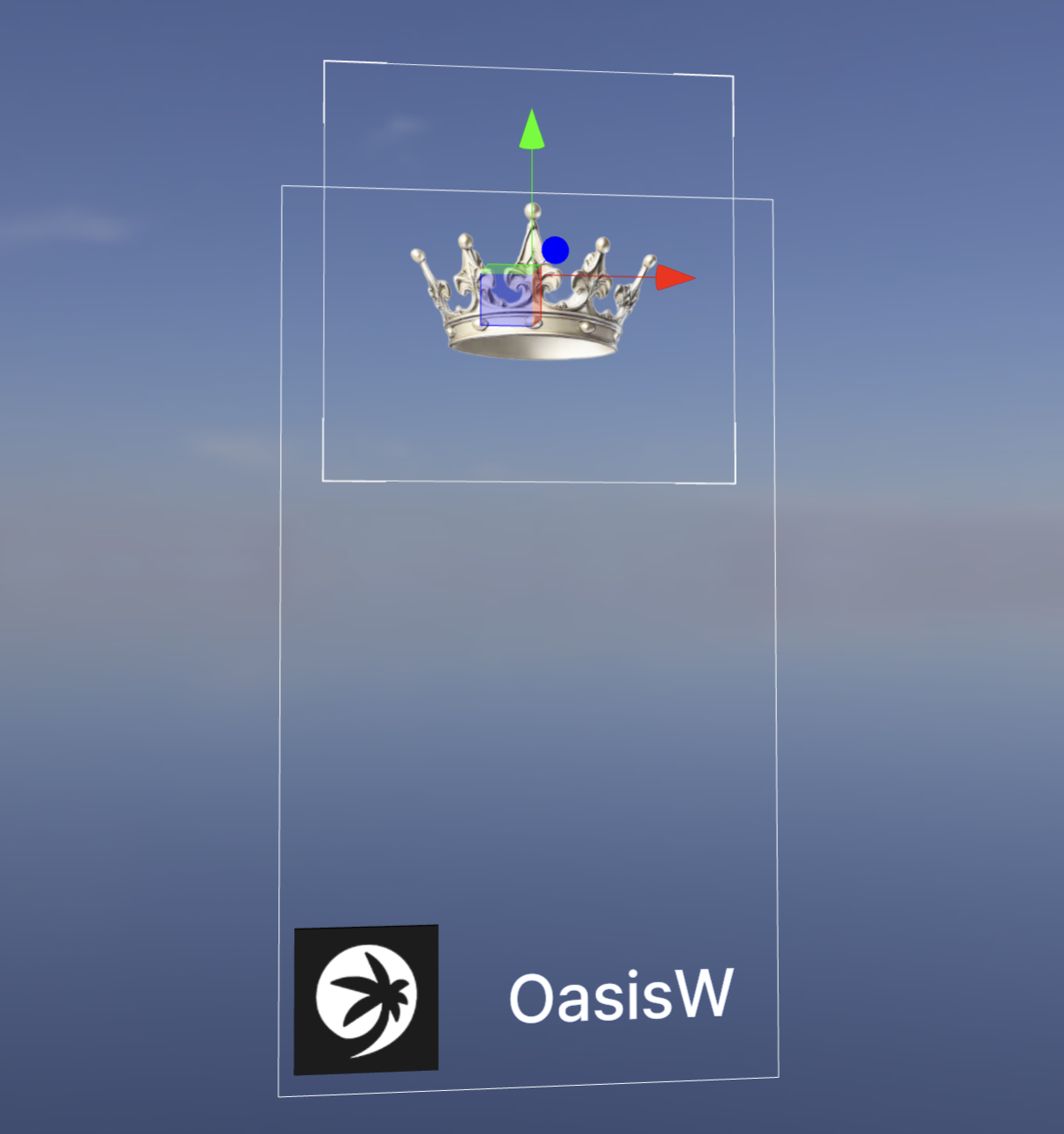
OasisW implements two components that can be part of a user interface system that runs directly inside the WebGL canvas. The Screen Component is the user interface container, and the Element Component is used to add user interface elements. The main advantage is that the user interface exists in the same context as the rest of the game. This enables interaction between the application and the user interface.
HTML and CSS
Web browsers have spent years building an effective and optimized system for rendering complex interfaces to users. For some use cases, using HTML, CSS and the browser DOM is appropriate for user interfaces.
The main disadvantage of using the DOM is performance. The DOM is not designed to run in real-time settings with high frame rates. Page reflows and garbage collection can cause stuttering in applications. If you're targeting a consistent 60fps in your application, this is not the best option.
The rest of this user guide focuses on the screen and element component system and covers how to use it to build user interfaces in OasisW.