Anim
The Anim component is used to connect an anim state graph asset and all required animation assets to a single entity.
Below you can see the Anim component after it has been added to an entity. It shows an available slot for selecting an anim state graph asset.

After selecting an anim state graph asset, the Anim component displays a list of animation asset slots. There is one slot for each animation state in all layers of the state graph asset. Here, the actual animation data is connected to the previously created state graph. Multiple Anim components can use the same anim state graph asset, each with their own unique set of animation assets.
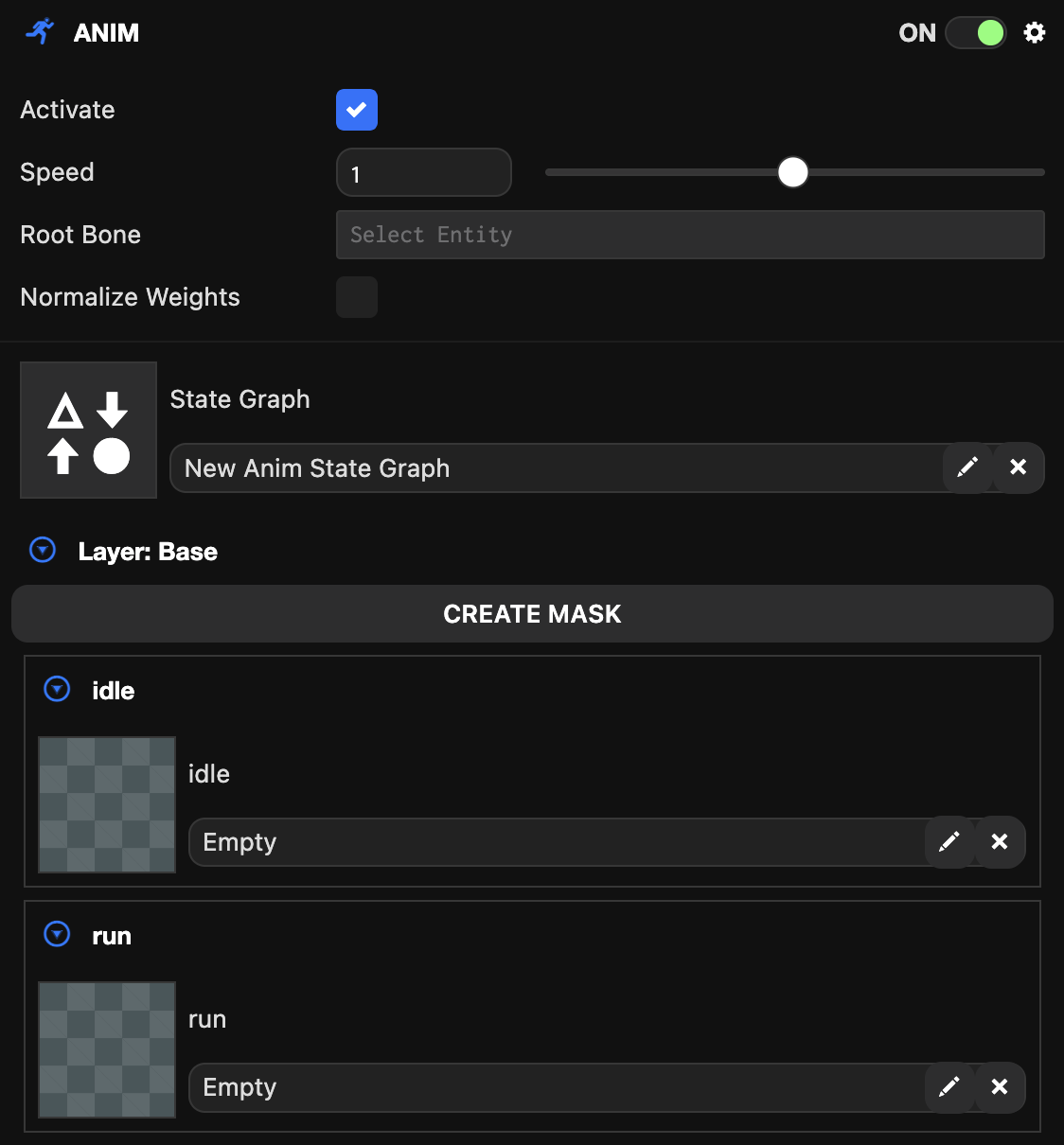
After all animation state slots are filled, the animation component becomes playable. At this point, the animation component can be played through scripts by calling entity.anim.playing = true or automatically when the OasisW project starts if the Activate option is selected.
The Anim component also provides an option to change the animation playback speed. This speed affects all animations within the state graph.