Animation
OasisW provides a powerful state-based animation system that can be used to animate character models and other arbitrary scene object models. Users can work with any .FBX animation assets. These are configured using animation state machines to easily control the animation behavior of scene models at runtime.
System Overview
The animation system spans three main areas of the OasisW platform. This section will look at how these areas work together to create complex animation behavior for models. The following sections of the animation user manual will explore each area in more detail.
Animation in OasisW
To start animating an OasisW entity, you need a set of animation assets that are available and imported into your OasisW project. These animation assets drive the animations of a given model that you want to animate. For example, a humanoid character might have a set of animations such as Idle, Walk, and Jump.
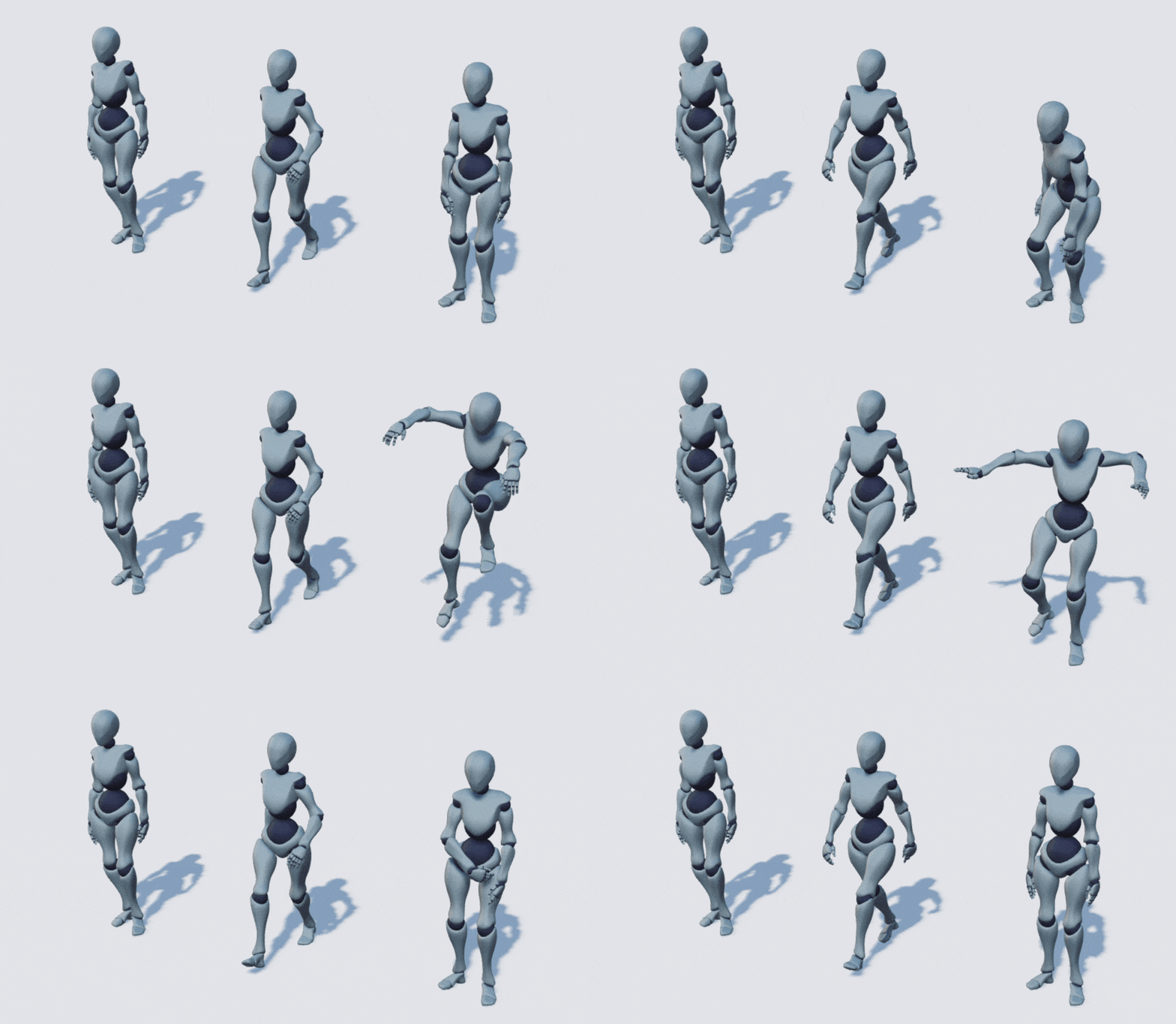
These three animations can be configured into a single animation system to create a simple movement system for that character. The way to achieve this in OasisW is to use animstategraph assets. These assets can be thought of as state machines for the animation behavior of entities. Since each state in this asset is related to an animation, you can set up the state machine to define complex animation behavior for entity models. This includes defining when the system should stop one animation and start another, and how transitions between these animations should be blended.
Then use the anim component to assign the animstategraph asset to a specific entity in the scene. Once an animstategraph asset is assigned to an entity, you can assign actual animation assets to each state in the graph. Once animations are assigned to all states, the anim component becomes playable. At this point, the animation system is complete and you can see the defined animation behavior in the OasisW launcher.