Interface
Learn about OasisW's basic interface and tools.
Opening Scenes
When you open a project, a scene selection screen is displayed. Click on a scene from this screen to start working.
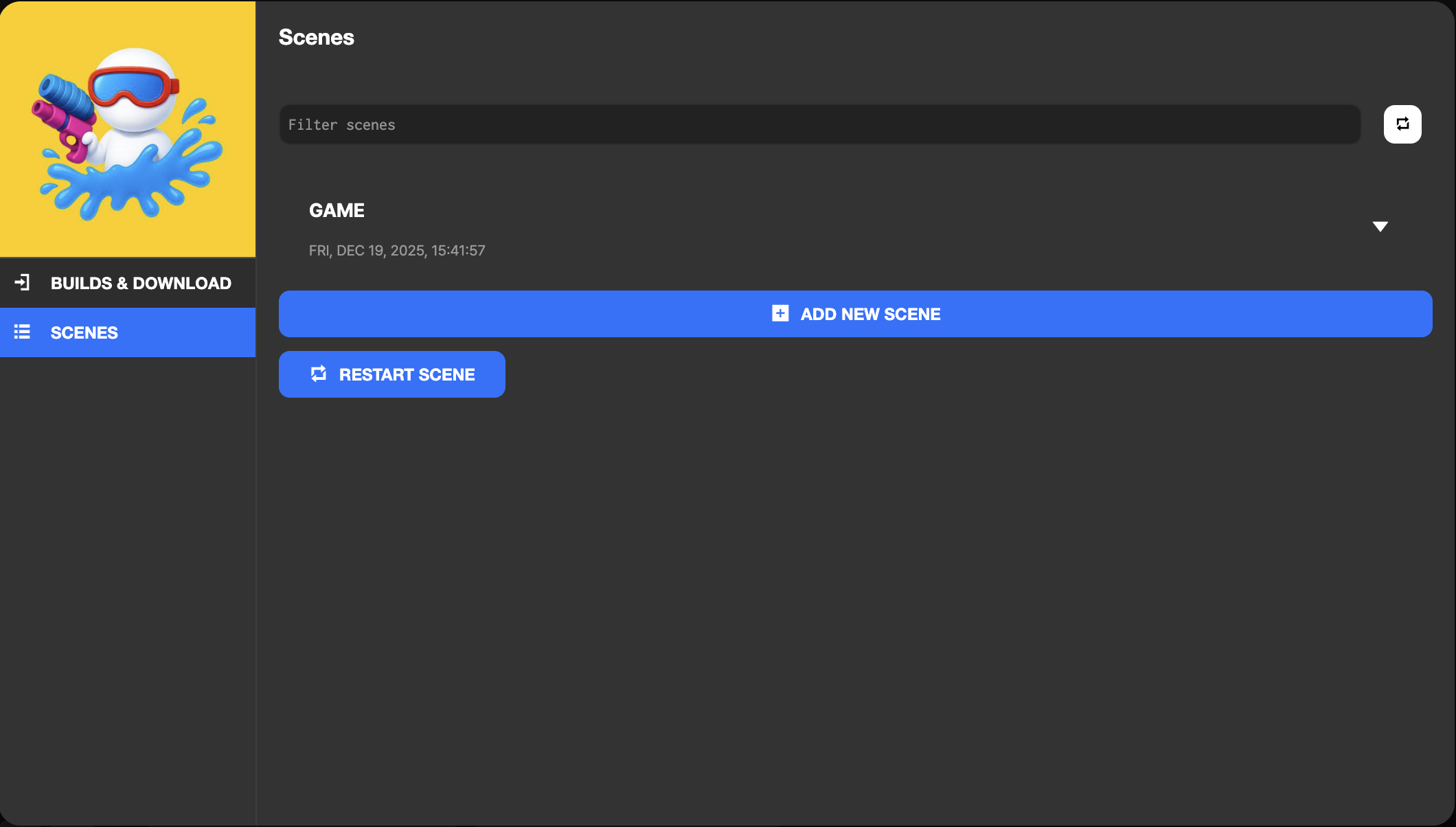
Once you open a scene, you can start game development work using various tools and views.
Main Interface
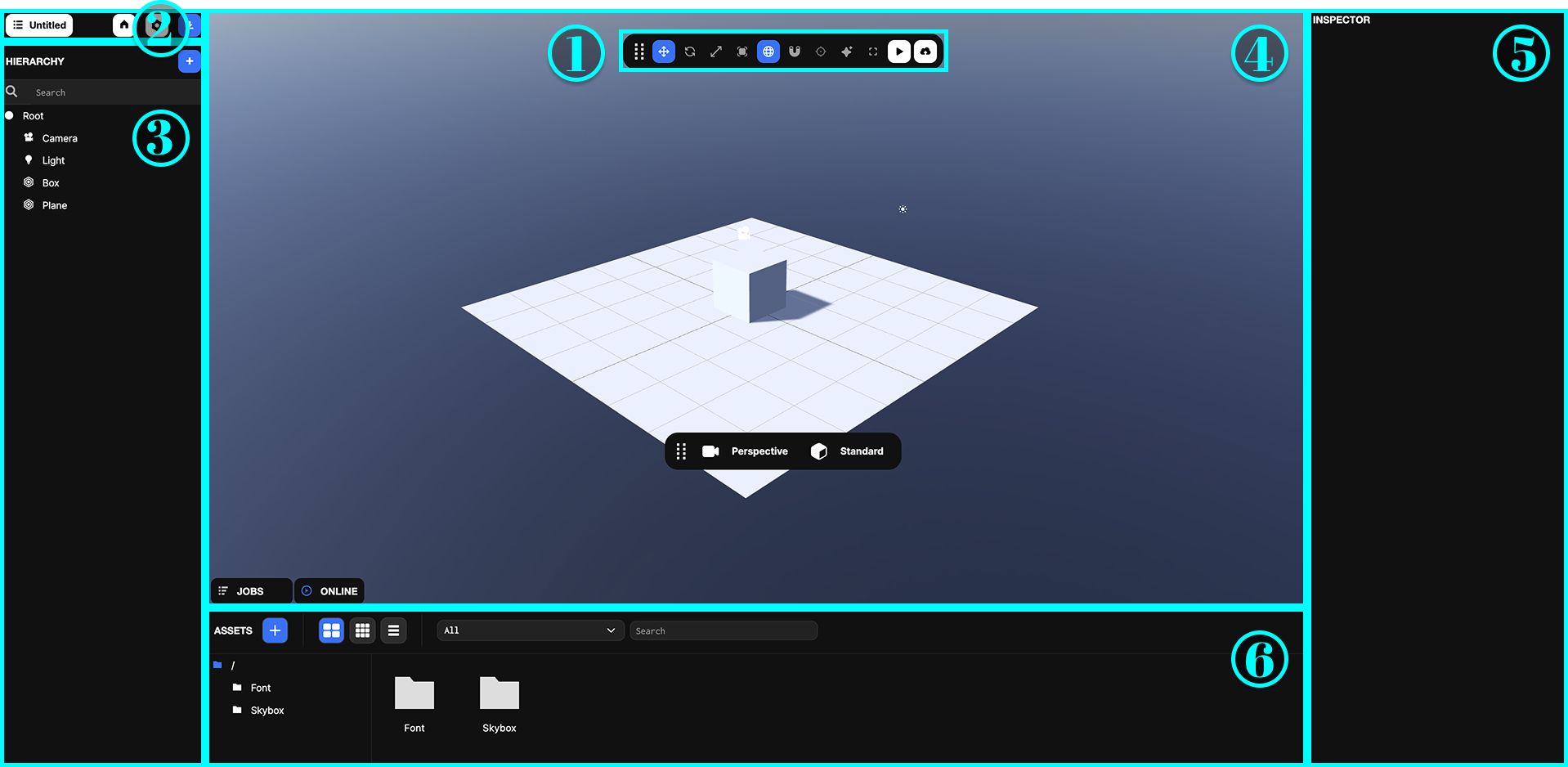
1. Toolbar
Learn about each button in the toolbar, additional tools.
2. Project Toolbar
Learn about tools related to project management in the project toolbar.
3. Hierarchy
Learn about the types of entities managed in the hierarchy view and how to manage the hierarchical structure.
4. Viewport
Learn about the various modes of the viewport, control methods, and rendering options.
5. Inspector
Learn about the component list in the inspector view, how to edit properties, and component management.
6. Assets
Learn about the types of assets managed in the assets view, folder organization tips, and asset optimization methods.