External Scripts Settings
External Scripts settings allow you to load external JavaScript libraries into your project so they can be used both in the Editor and at runtime.
note
These settings affect all users on the currently active branch of the project.
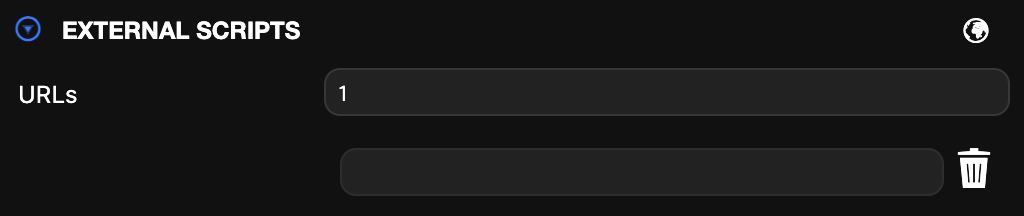
Navigate to the EXTERNAL SCRIPT section and expand the panel:
How to Use
- Enter the number of external scripts you want to add in the URLs field.
- In the generated URL input fields, enter the URLs of the external libraries.
The added external libraries will be loaded into the project and can be used immediately in both the Editor and application code.
Use Cases
- Loading external math or physics libraries
- Using utility scripts (CSV parsers, compression libraries, etc.)