Launch Page
The Editor's Viewport is where you visually construct your application. From there, you can press the Launch button to open the Launch Page and actually run your application.
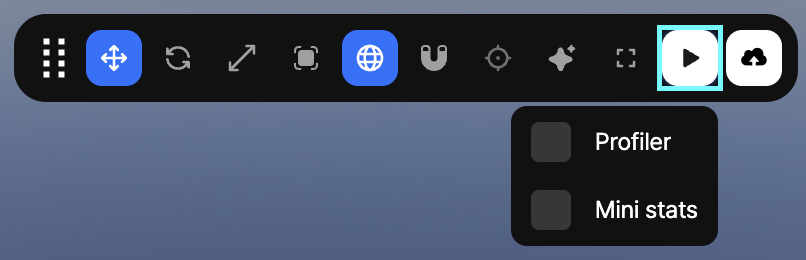
Working with the Launch Page
When you activate the Launch Page, it will open in a new tab. It is perfectly valid to switch back and forth between the Editor and the Launch Page. However, if you have a large screen or even a multi-monitor setup, consider tearing off the Launch Page tab and placing it side by side with the Editor.
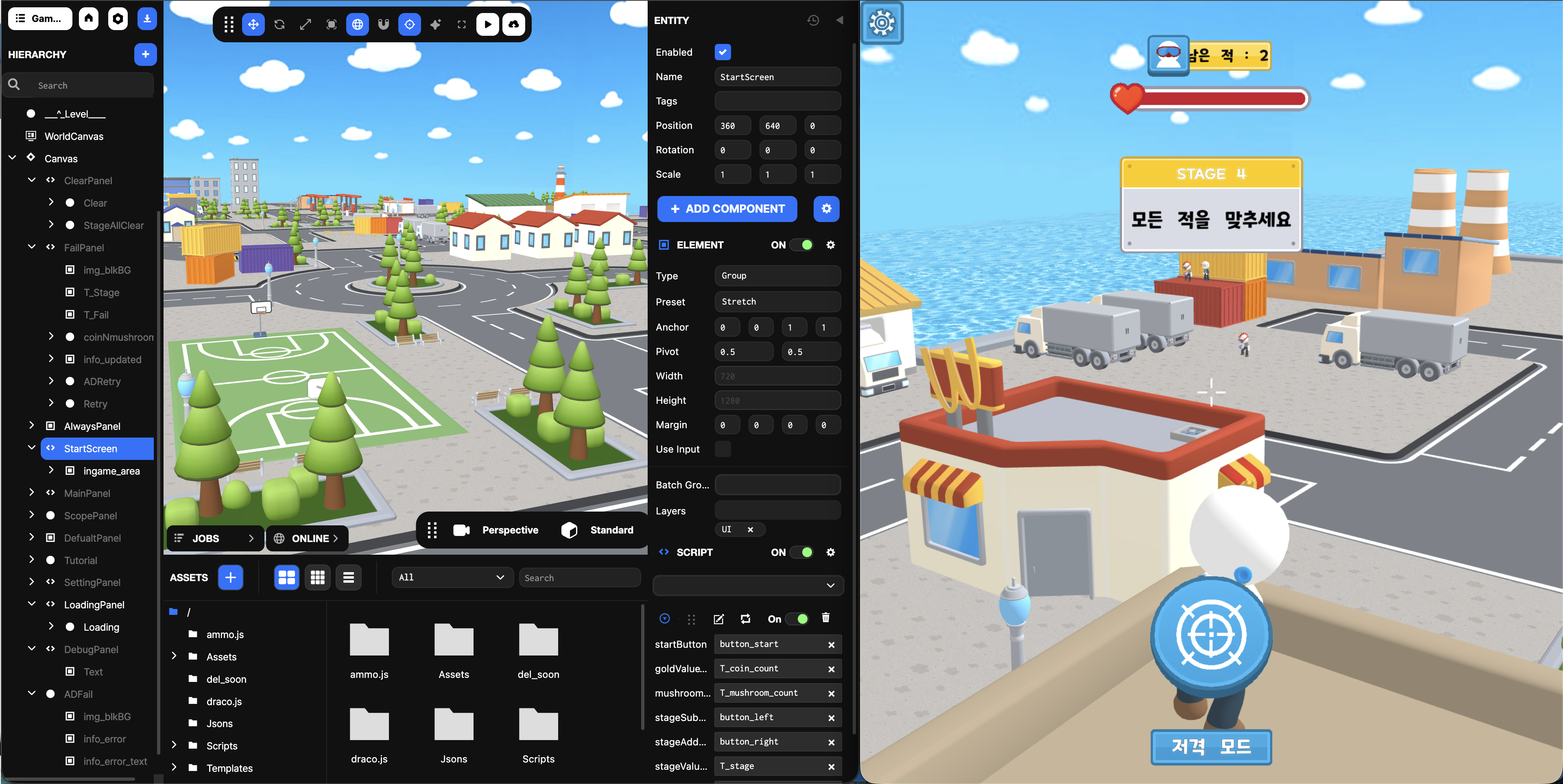
This can make it easier and quicker to switch between the two.
Real-Time Updates
A key feature of the Launch Page is that it maintains a real-time connection (or live-link) to the Editor. This means that any change made in the Editor will be immediately reflected in the Launch Page.
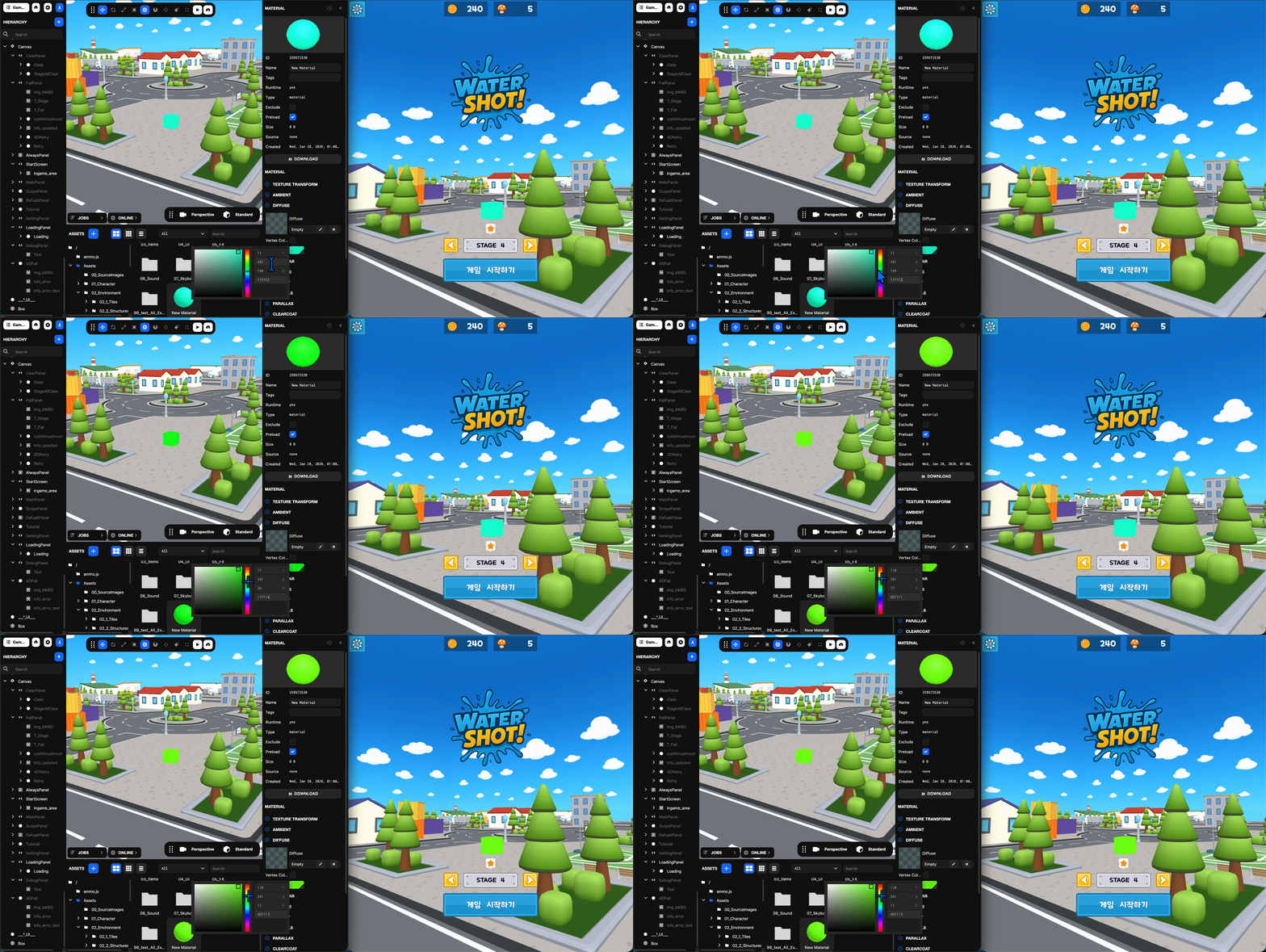
And if any other users (with write permission) are present in the Editor with you, their edits can update your Launch Page as well.