Project Toolbar
Learn about the project management tools available in OasisW's project toolbar.
Features
| Image | Button | Description |
|---|---|---|
 | Manage Scenes | Opens the scene selection screen |
 | Home | Navigate to project selection window |
 | Settings | Project environment settings |
 | Publish/Download | Download built project |
Manage Scenes
- Function: Opens the scene selection screen.

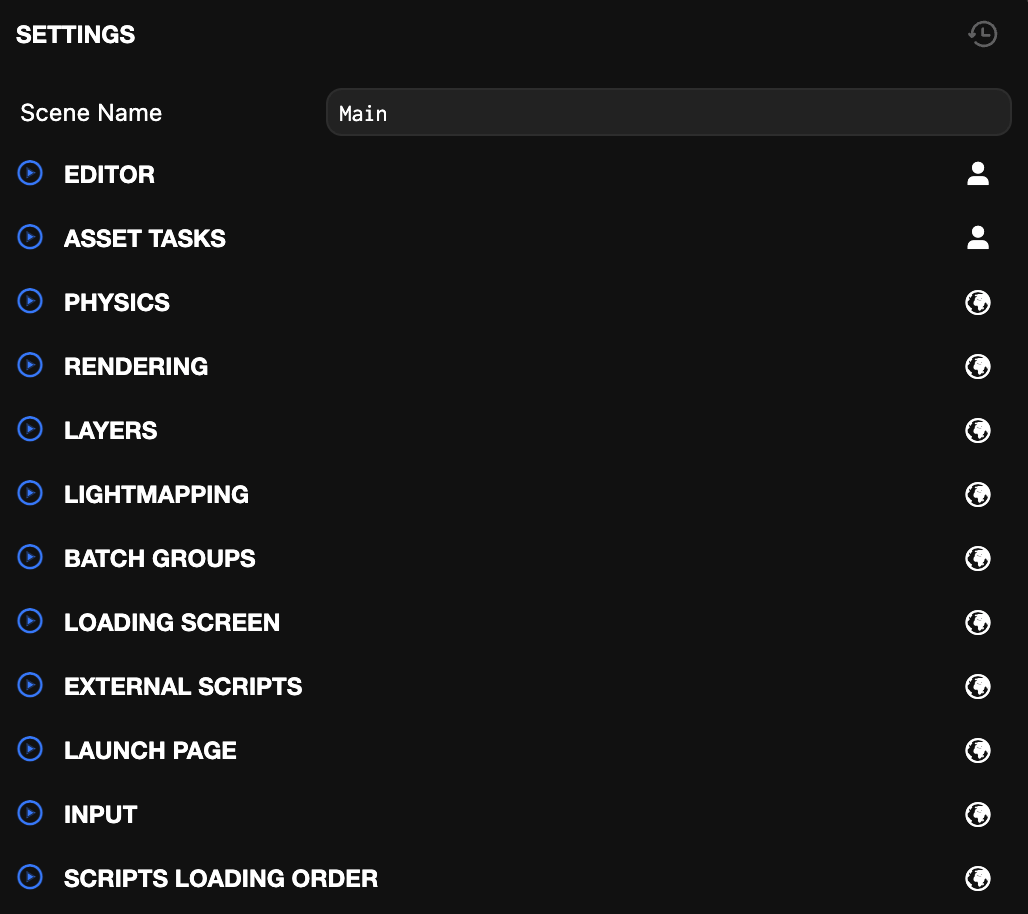
Settings
- Project Settings control how your project runs and how the Editor behaves for your team.
Publish/Download
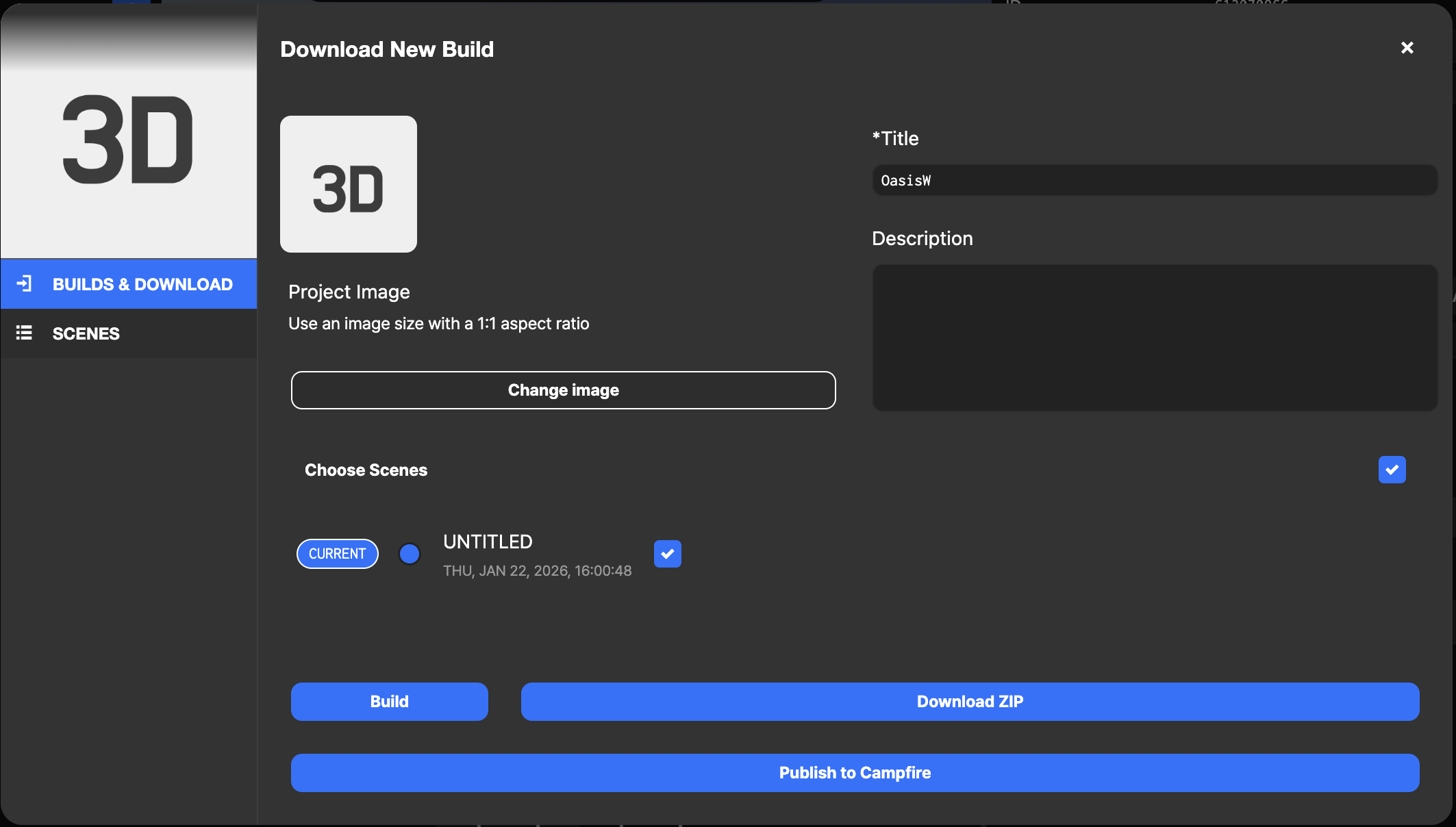
- Change Image: Select the image to use when downloading. (If not selected, the default image is applied.)
- Choose Scenes: Select the first scene to be displayed when starting.
- Title: Enter the project title.
- Description: Enter the project description.