Viewport
Learn about the viewport, the core interface for visually editing and navigating OasisW's 3D scenes.

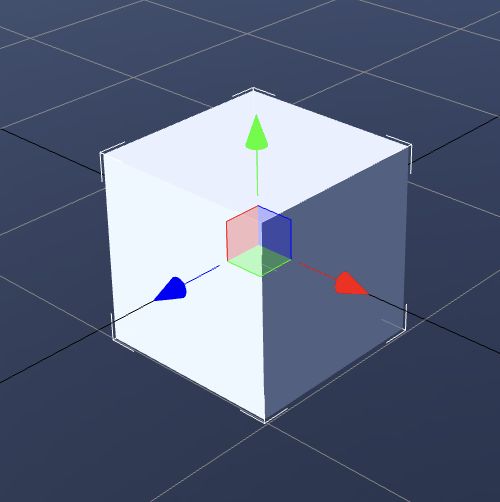
Gizmos
 | 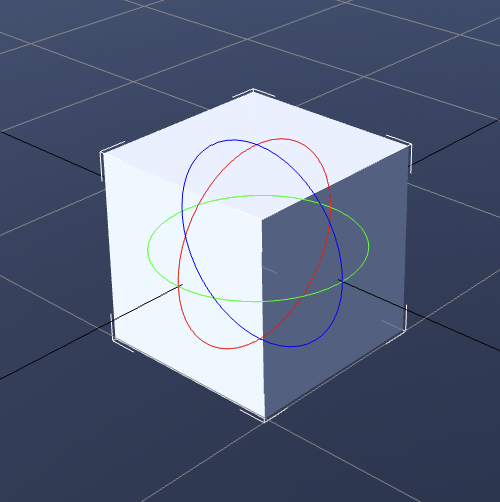 | 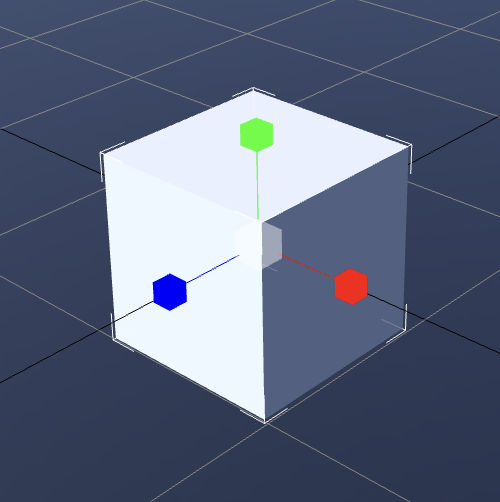 |
|---|---|---|
| Translate | Rotate | Scale |
- The 3-colored axis visible on screen is called a gizmo.
- Used when manipulating the transform matrix of a selected entity.
- Types:
- Translate → Has arrow icons at the end of each axis.
- Rotate → Has a 3-colored circular ring structure.
- Scale → Has cube icons at the end of each axis.
Cameras
Perspective
- By default, the editor uses a Perspective camera.
→ Provides a cinematic view as if a movie camera is floating within the scene. - You can switch between different cameras through the camera dropdown menu.

Orthographic
- Types: Top, Bottom, Front, Back, Left, Right
- Features: Provides a view without perspective → Useful for precise positioning.
Render Mode
- You can change settings through the render mode dropdown menu in the top-right corner of the viewport.

Features
- Wireframe Display: Visualizes scene meshes as line structures only.
- Debug Render Mode: Can display only specific rendering properties.
- Standard: General rendering mode. Displays final results with all materials and lighting applied.
- Albedo: Displays only the basic color texture of materials (pure color excluding light and shadow effects).
- Opacity: Visualizes opacity (Transparency/Opacity) values.
- World Normal: Expresses surface direction (normal vector) as colors. Used to check surface slopes.
- Specularity: Displays material reflection intensity (Specular level).
- Gloss: Displays surface smoothness or roughness.
- Metalness: Visualizes whether the surface is metallic.
- AO (Ambient Occlusion): Displays ambient occlusion effects to check surface depth and shading.
- Emission: Displays emission properties (parts that glow without light sources).
- Lighting: Visualizes only lighting in the scene (excluding material colors and textures).
- UVO: Visualizes UV channel 0 texture coordinate placement.
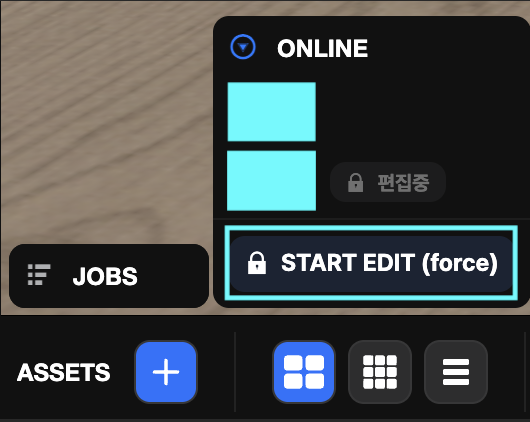
JOBS
Displays the progress status of tasks.

ONLINE
Displays the list of users currently connected to the project's scene.
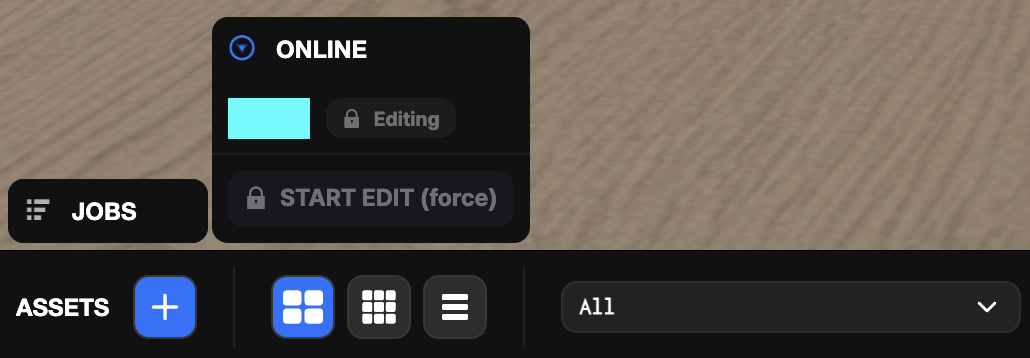
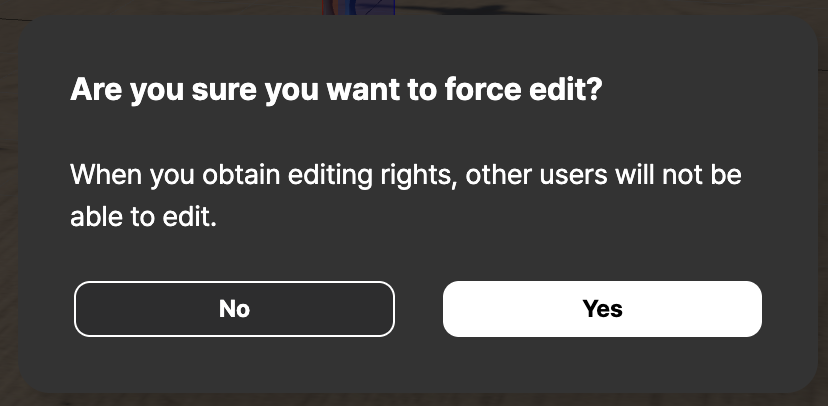
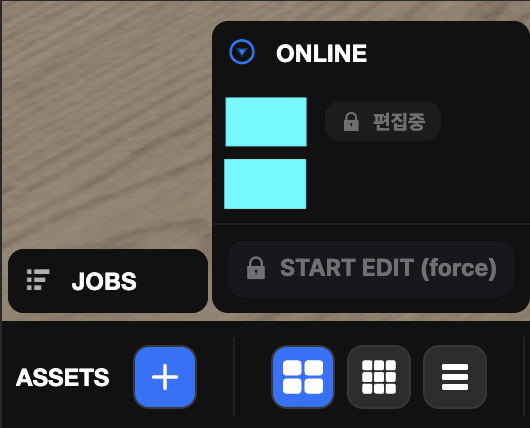
START EDIT (force)
Forcibly takes scene editing permissions.