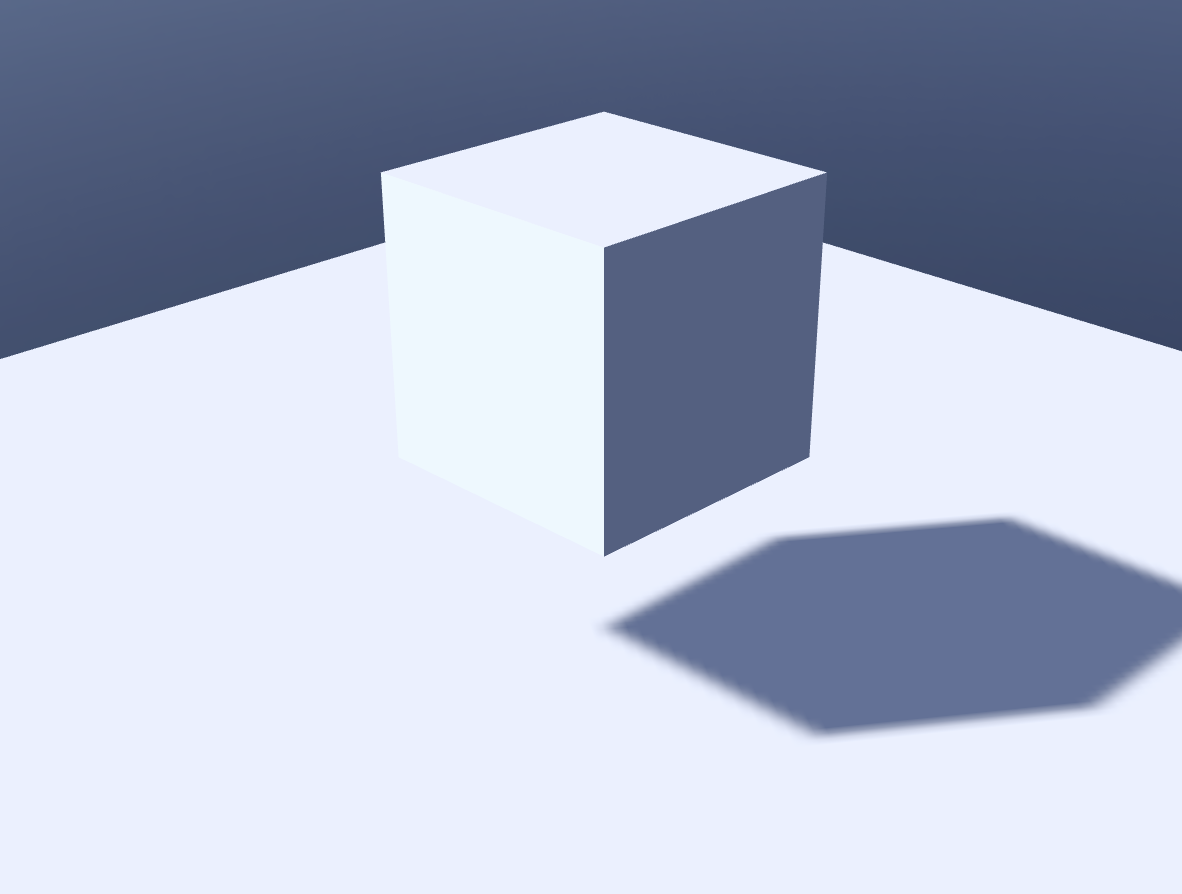
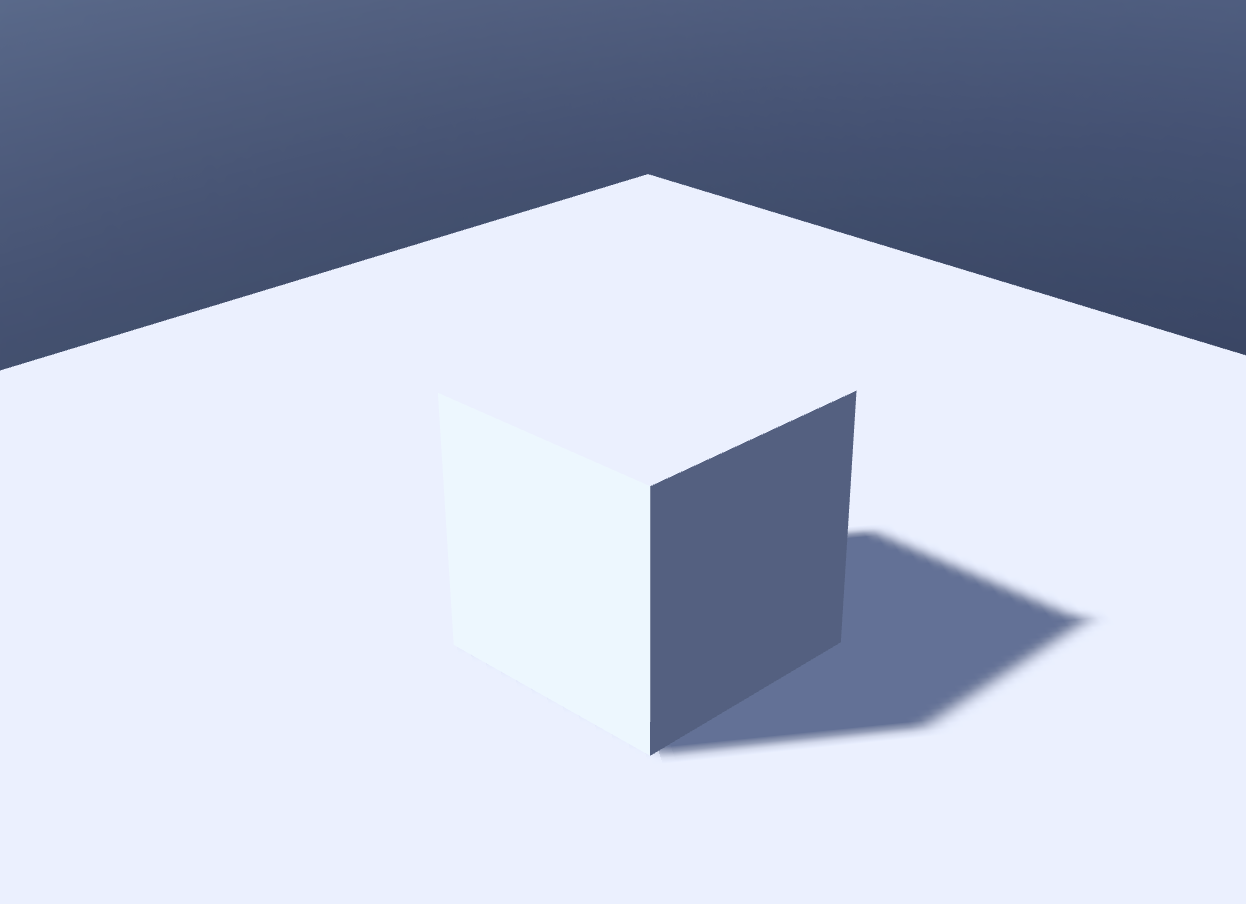
Setting Up Physics Movement
Learn how to use the physics engine in OasisW to implement object movement and interactions.
Applying Physics to Ground
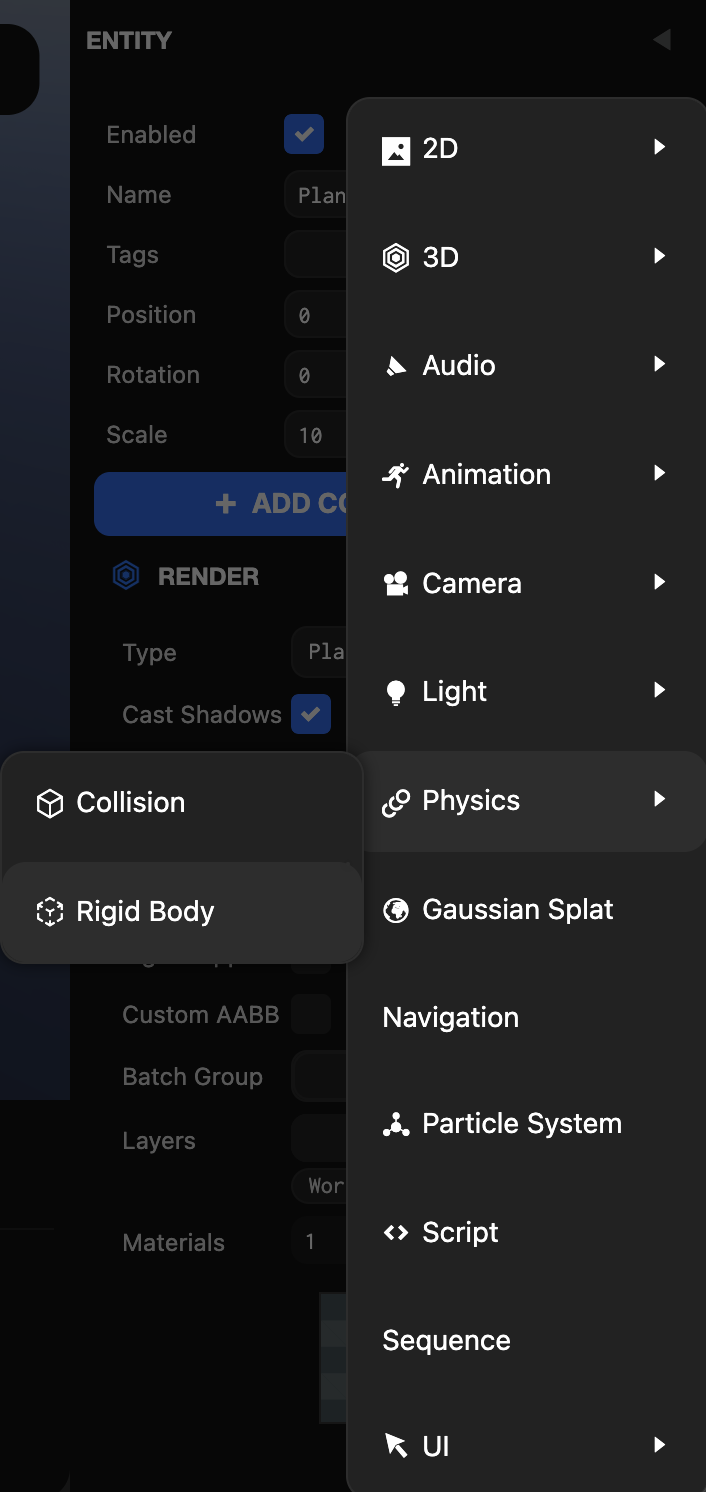
Step 1: Add Collision Component
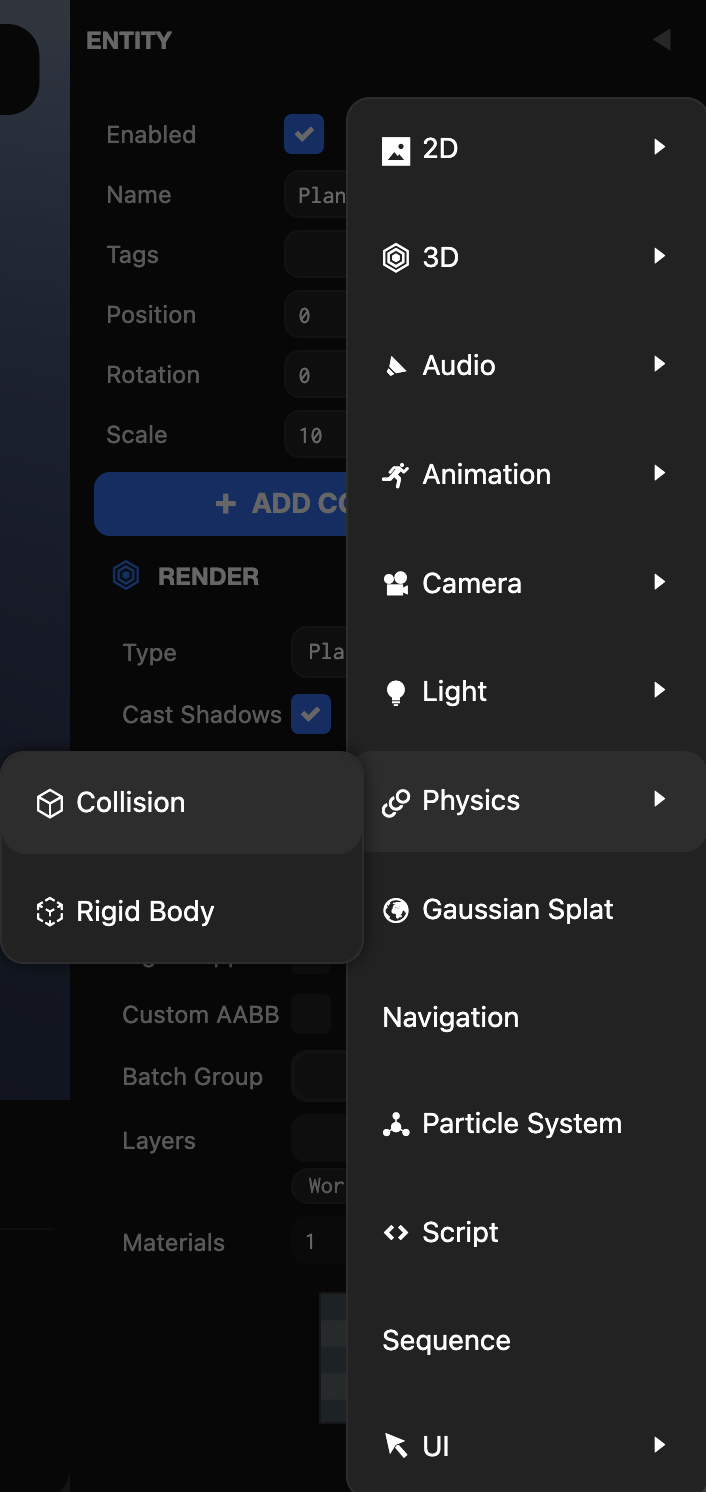
- Click Plane in the Hierarchy view → Click Add Component in the Inspector view.
- Add Physics → Collision.
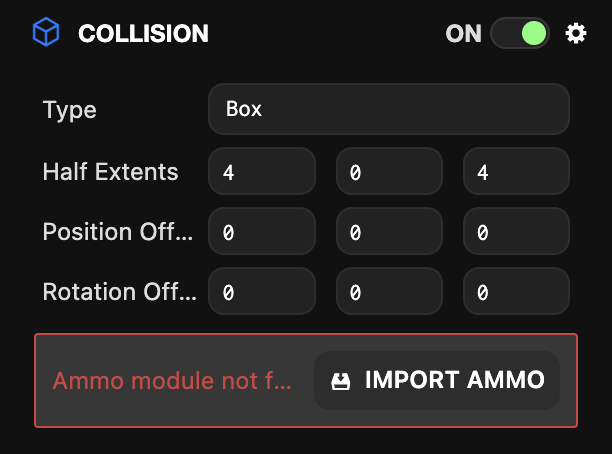
Step 2: Set Half Extents
Set the collision range with Half Extents.
Step 3: Add Rigid Body Component
- Click Add Component in the Inspector view.
- Add Physics → Rigid Body.
Step 4: Import AMMO.js
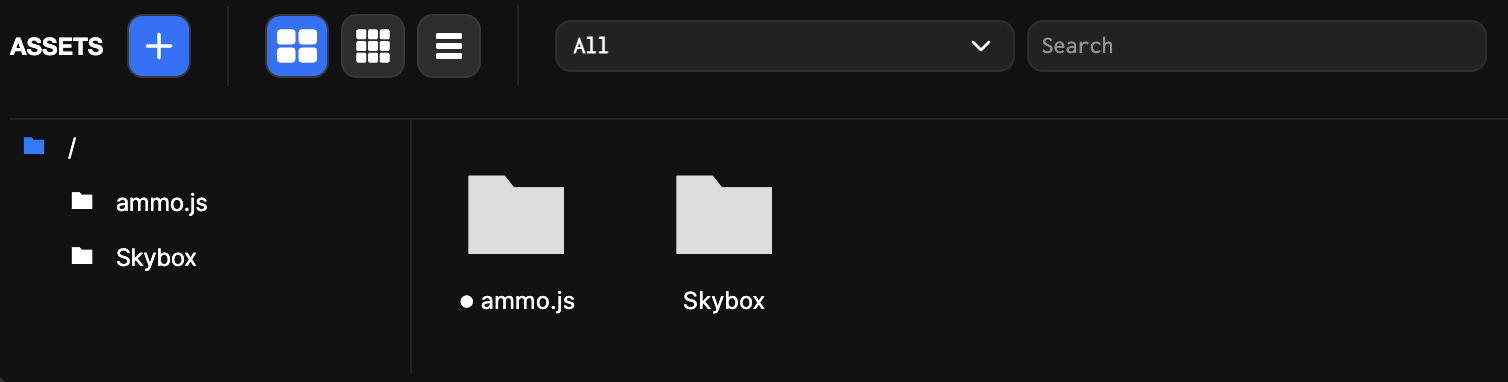
Click the IMPORT AMMO button to check the automatically created ammo.js folder in the Asset view.
Applying Physics to Moving Objects
Step 1: Add Collision and Rigid Body
Add Collision and Rigid Body to moving objects as well.
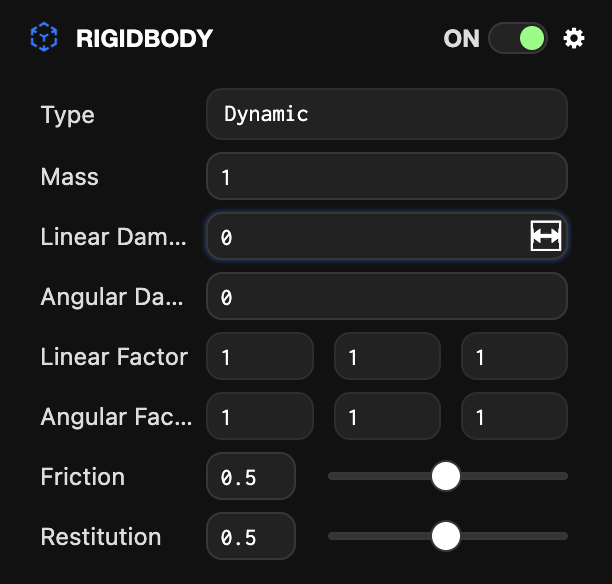
Step 2: Set Rigid Body Type
Change the Type of Rigid Body to Dynamic.
Step 3: Check Results
Click Launch in the Viewport to verify that the Box object falls down and stops when it touches the Plane object.