Font
Font assets contain an image with all the characters of a font that the user has chosen to include, along with related data about how each character should be displayed. Font assets are used to render text using the Element component of type Text. To render text, add an Element component to an entity, set the type to Text, and then drag and drop a font asset to the font slot of the Element component.
Creating a Font
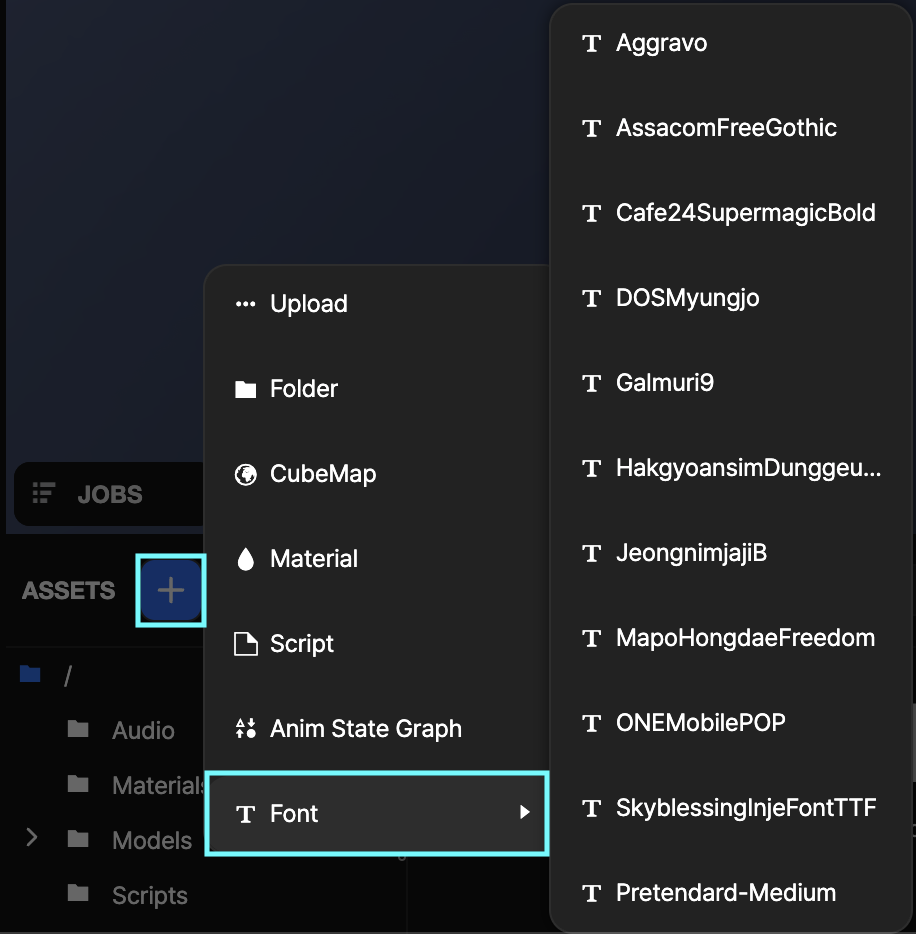
You can create a new font asset directly from the OasisW editor interface. Use the Create Asset menu in the Assets Panel.
Font upload functionality will be supported in the future.
Here are the properties you can edit for font assets in the editor:
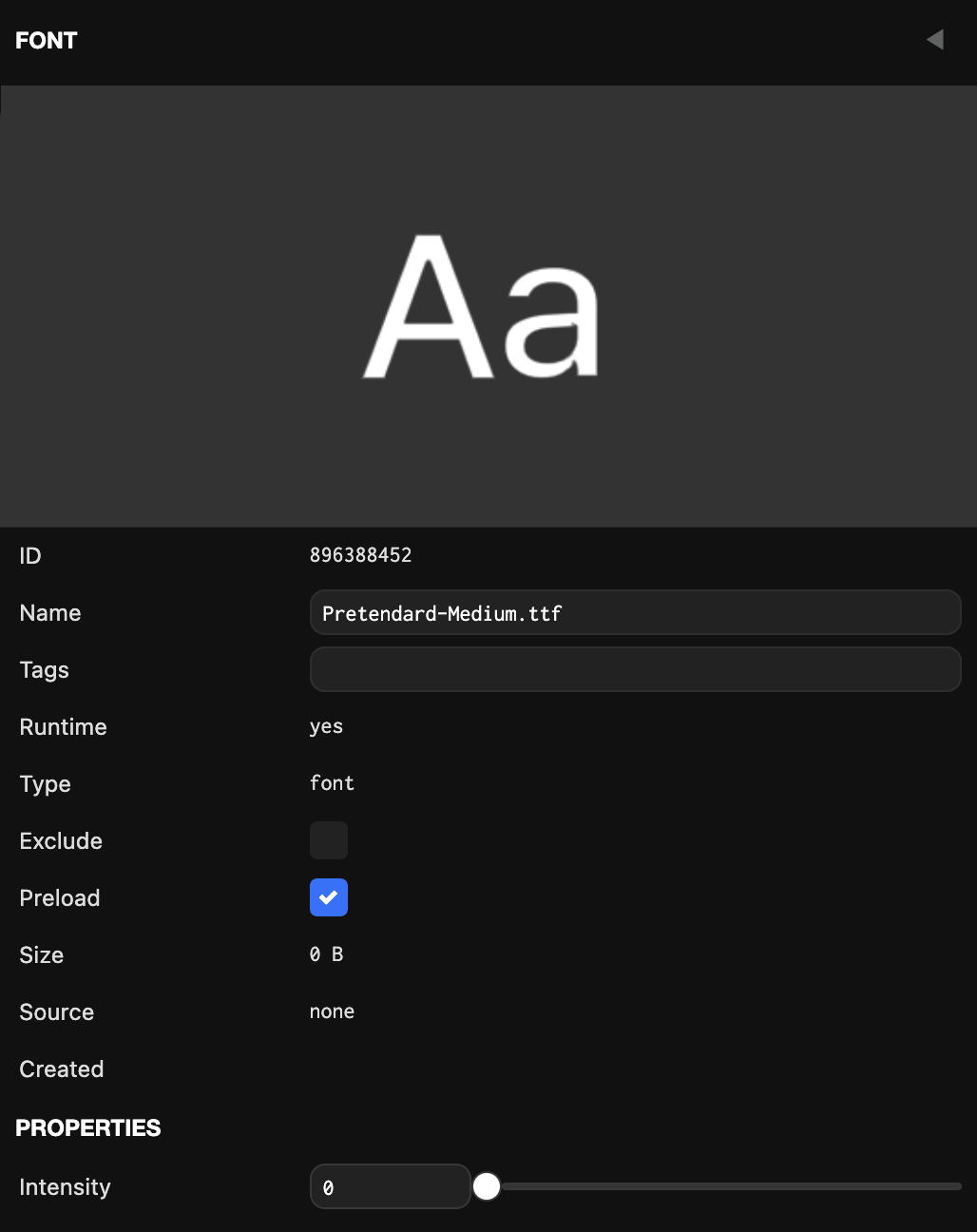
Properties
Intensity
Intensity is used to boost the values read from the signed distance field, where 0 is no boost and 1 is maximum boost. This can be useful when a font doesn't render with clean and smooth edges at the default intensity or when rendering fonts at small font sizes.