Texture Atlas
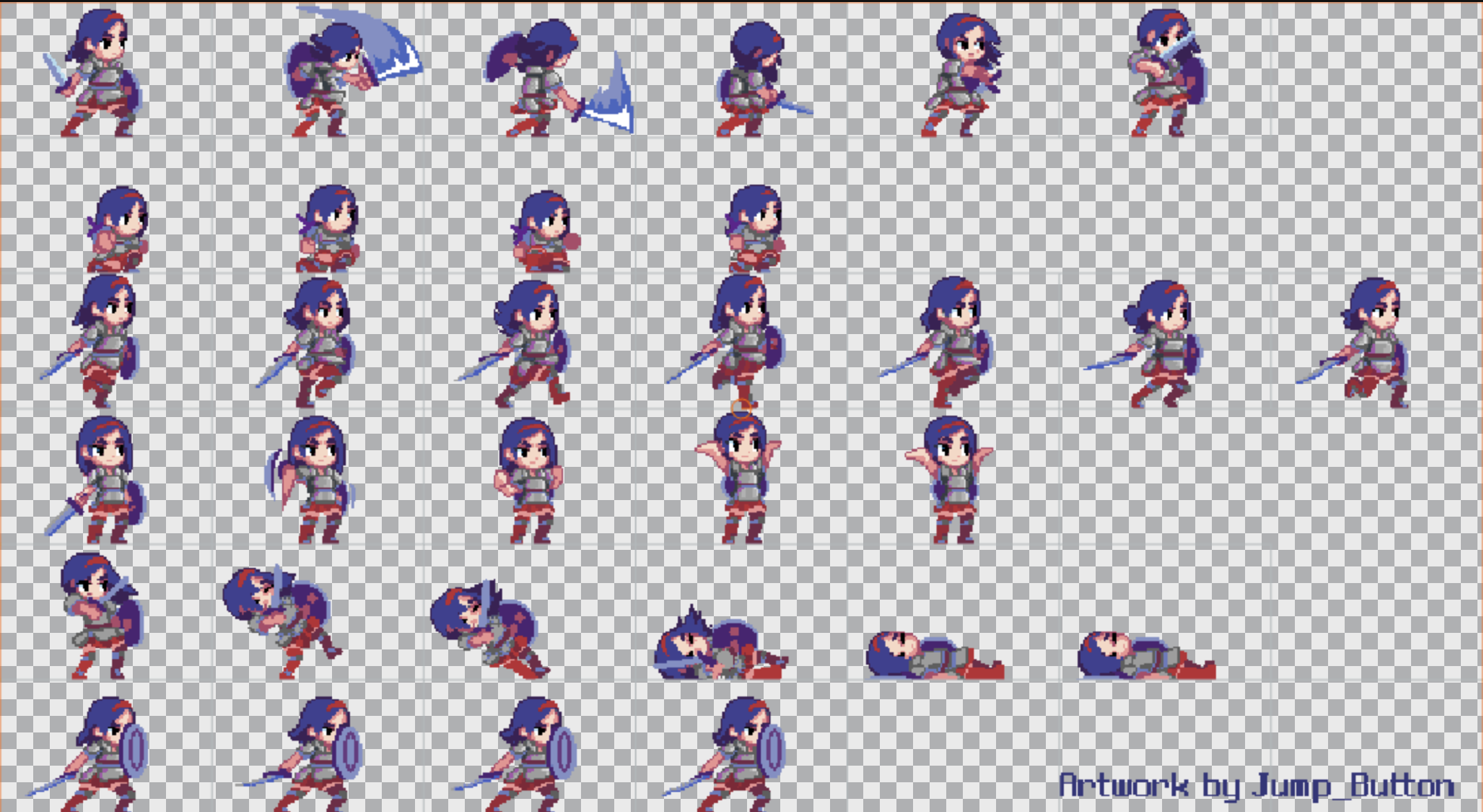
A texture atlas asset is a texture asset with additional data that describes 'frames' within the texture. A frame is a rectangular area defined within the texture, and has a 'pivot' point that sets the position and rotation center of the frame.
Texture atlases are created by right-clicking on a regular texture asset and selecting Create Atlas. Alternatively, you can enable atlas creation by changing the default asset settings.
Texture atlases are used together with sprite assets to render 2D graphics.
Properties
Frames
Frames in a texture atlas are keyed by unique values (usually integer strings). The format of a frame is as follows:
{
    rect: [0, 0, 0, 0],  // u,v,width,height - width and height in pixels
    pivot: [0, 0],       // x,y - expressed as 0-1 ratio
    border: [0, 0, 0, 0] // left, bottom, right, top - in pixels
}
Texture Properties
In addition to frame data, texture atlases include the properties of texture assets.