Textures
sRGB Texture Processing
Textures that represent colors such as diffuse, emissive, specular, and sheen are typically stored in sRGB space to maintain color accuracy and reduce banding. When used in the engine, these textures are automatically converted from sRGB to linear space for correct lighting calculations. This conversion is performed efficiently by the GPU at no additional cost when the texture is generated in sRGB format.
Specifying sRGB Encoding for Textures
It's important to specify sRGB encoding when loading texture assets that represent colors in sRGB space. The following example shows how to create an asset with sRGB encoding:
new pc.Asset(
    'color',
    'texture',
    { url: 'heart.png' },
    { encoding: 'srgb' }
);
Displaying sRGB Textures in Editor
When working in the editor, make sure color textures are displayed as sRGB in the inspector panel. This ensures the engine correctly interprets the texture as sRGB and applies the necessary conversion to linear space.
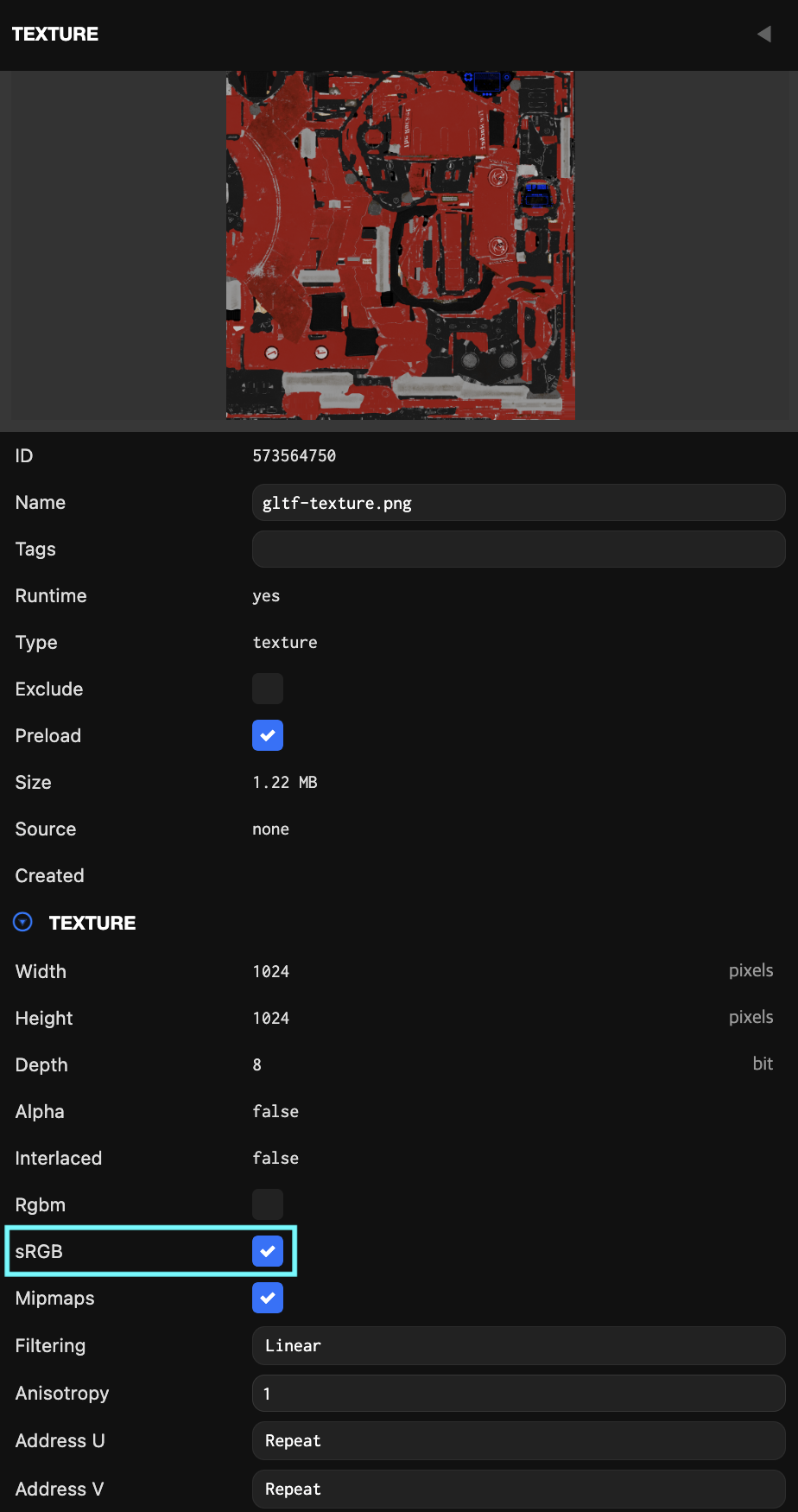
sRGB Procedural Textures / Render Targets
When creating procedural textures or rendering to textures that represent colors and will be read by shaders, it's important to generate them in sRGB format to enable automatic conversion. When rendering to this texture, linear values are automatically converted to gamma space to prevent banding. Later, when the texture is used as a color texture, pixels are automatically converted back to linear space.
The following example shows how to create an sRGB render target texture:
const texture = new pc.Texture(app.graphicsDevice, {
    name: 'color-texture',
    width: 512,
    height: 512,
    format: pc.PIXELFORMAT_SRGBA8
});