Cameras
Cameras are responsible for rendering the scene to the screen. You need at least one camera in the scene to see anything. When you create a new scene in OasisW, it automatically includes a single camera (along with a directional light).
Creating a Camera
When unselected, cameras are displayed with the following icon in the editor's 3D view:

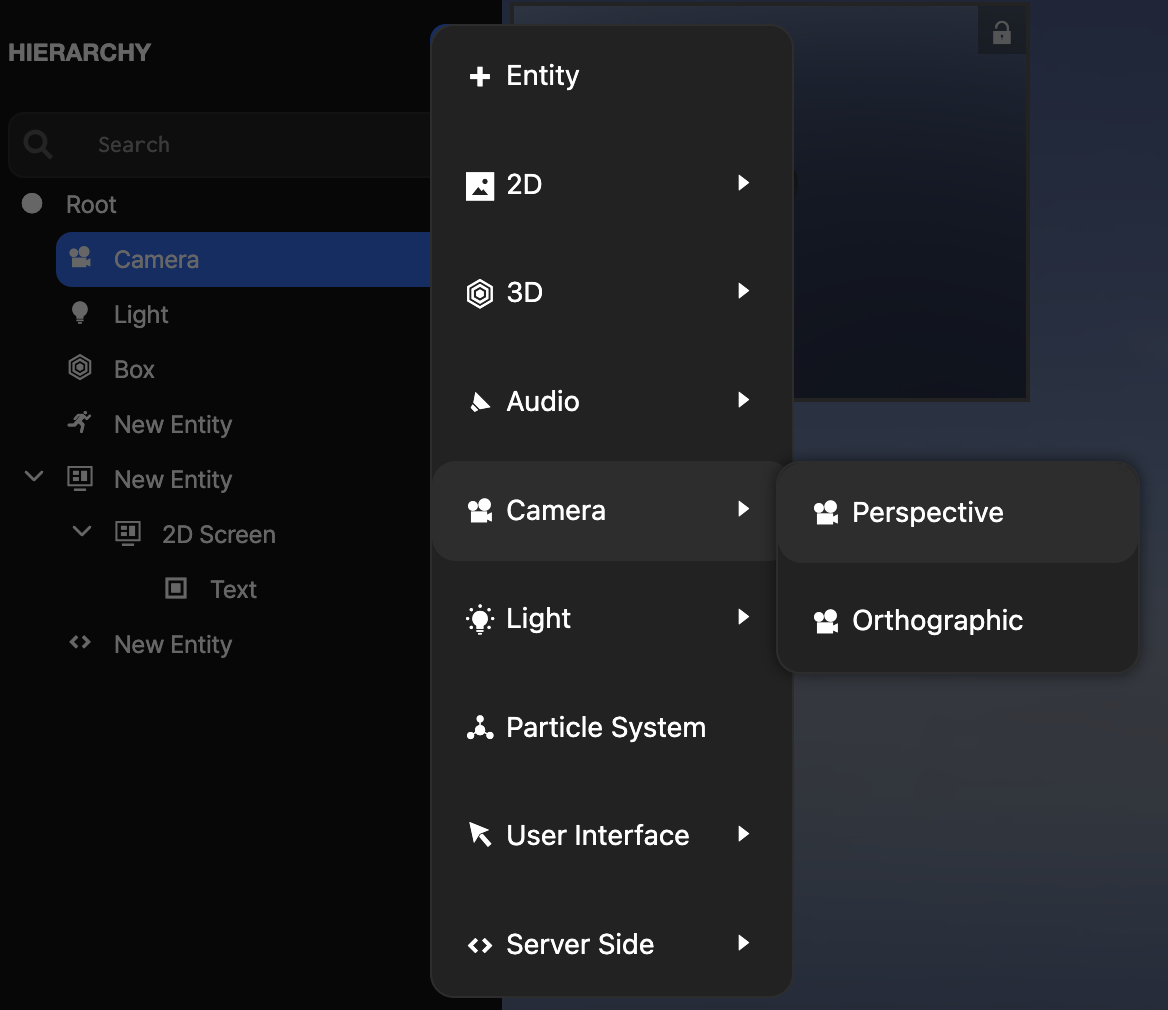
To create a new camera, create a new entity and add a camera component. For convenience, there's an item in the editor menu that does this in one step:
Orthographic vs Perspective Projection
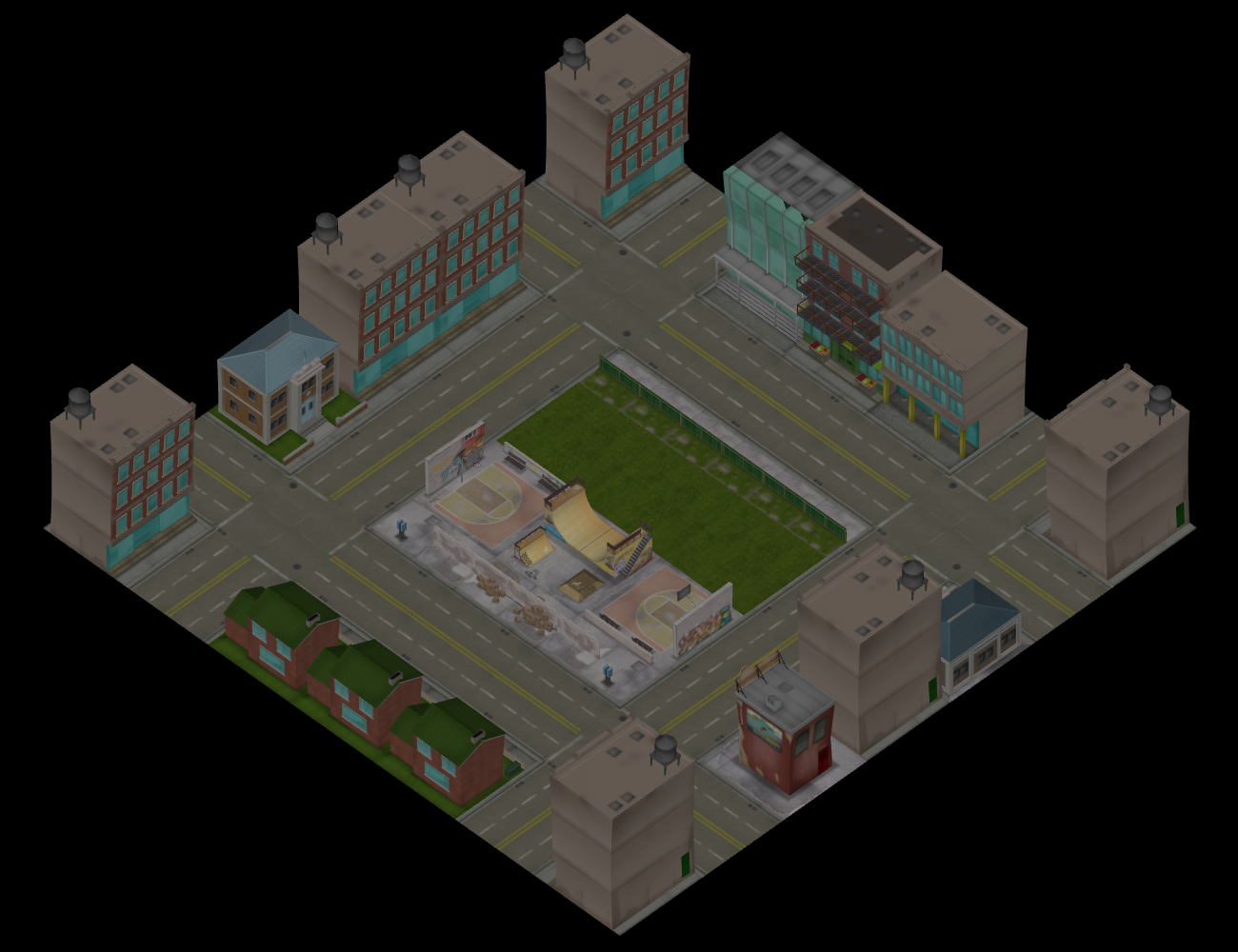
Cameras can have one of two projection types: orthographic or perspective. Orthographic cameras define parallel projection and are often used for 2D or isometric games.
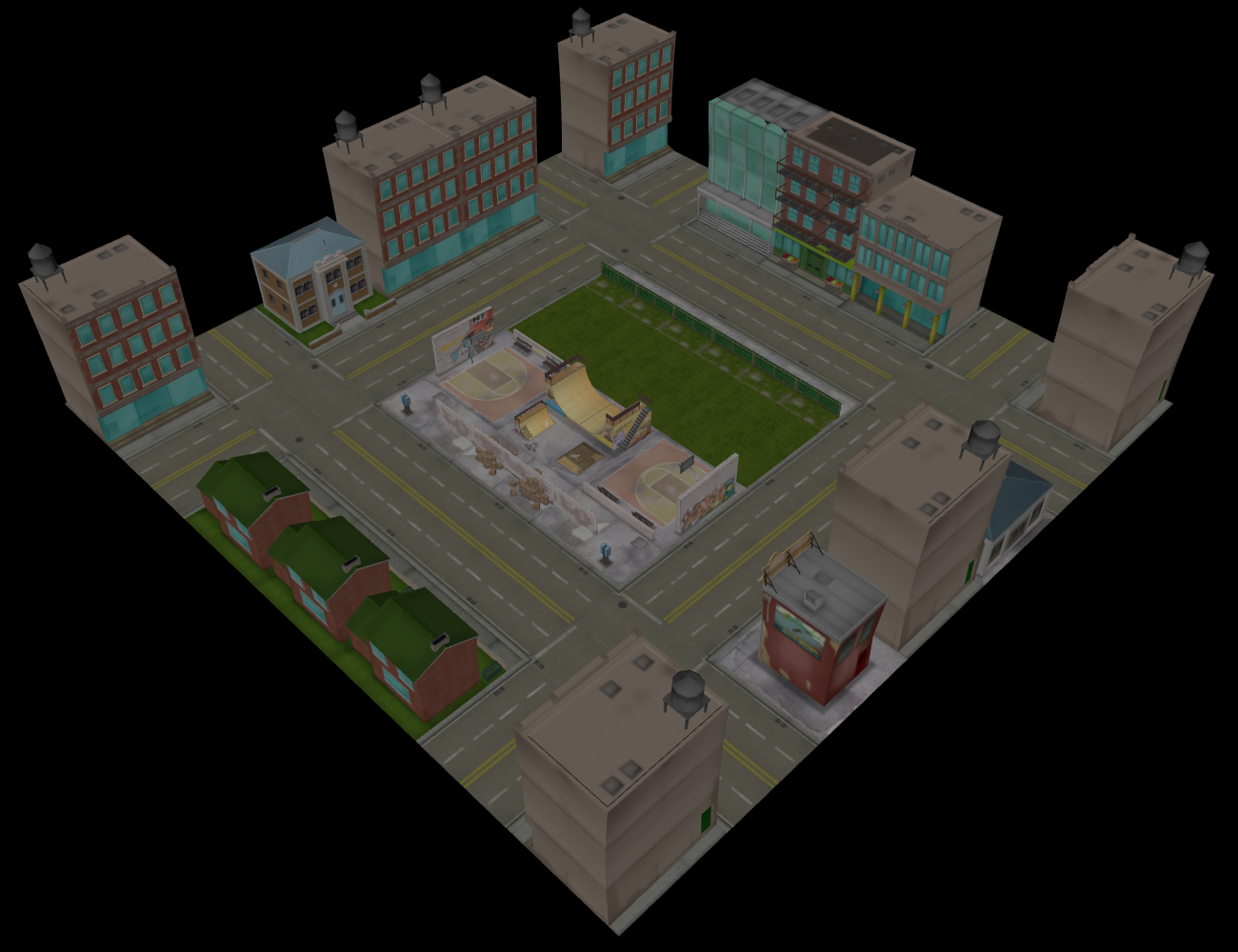
More commonly used is perspective projection. This more closely mimics how our eyes or cameras work.
Viewport Control
By default, cameras render to the full width and height of the render target. However, there may be situations where you want to change this behavior. For example, you might be writing a game with a local multiplayer mode that requires split-screen rendering to show each player's viewpoint.
For a two-player horizontal split-screen, create two cameras and configure the viewports as follows:
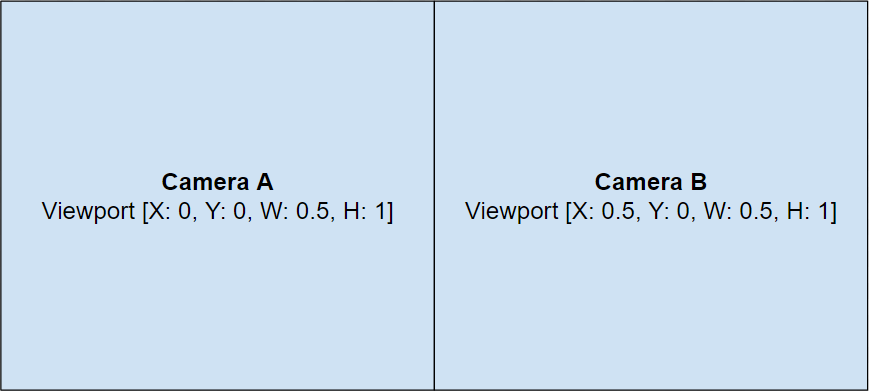
And for vertical split-screen, configure the viewports as follows:
