Code Generation
Learn how to automatically generate game logic and scripts using OasisW's AI code generation feature.
1. Creating a Script and Feature Overview
- Create a script asset from the Asset View.

- Double-click the created script asset to open it in the code editor.
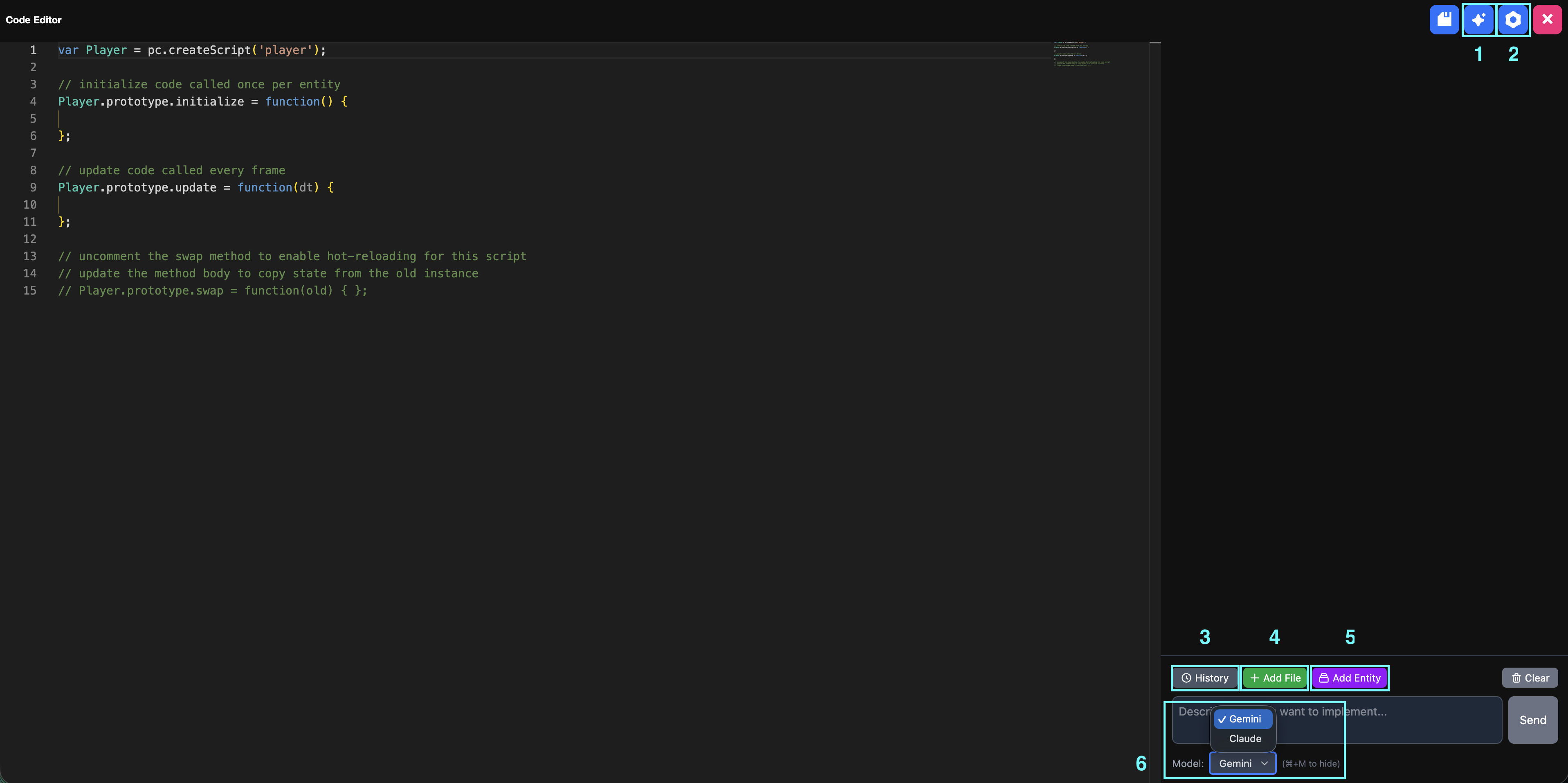
1. Code Assistant
You can open and close the AI prompt window.
2. Settings
Change the editor theme.

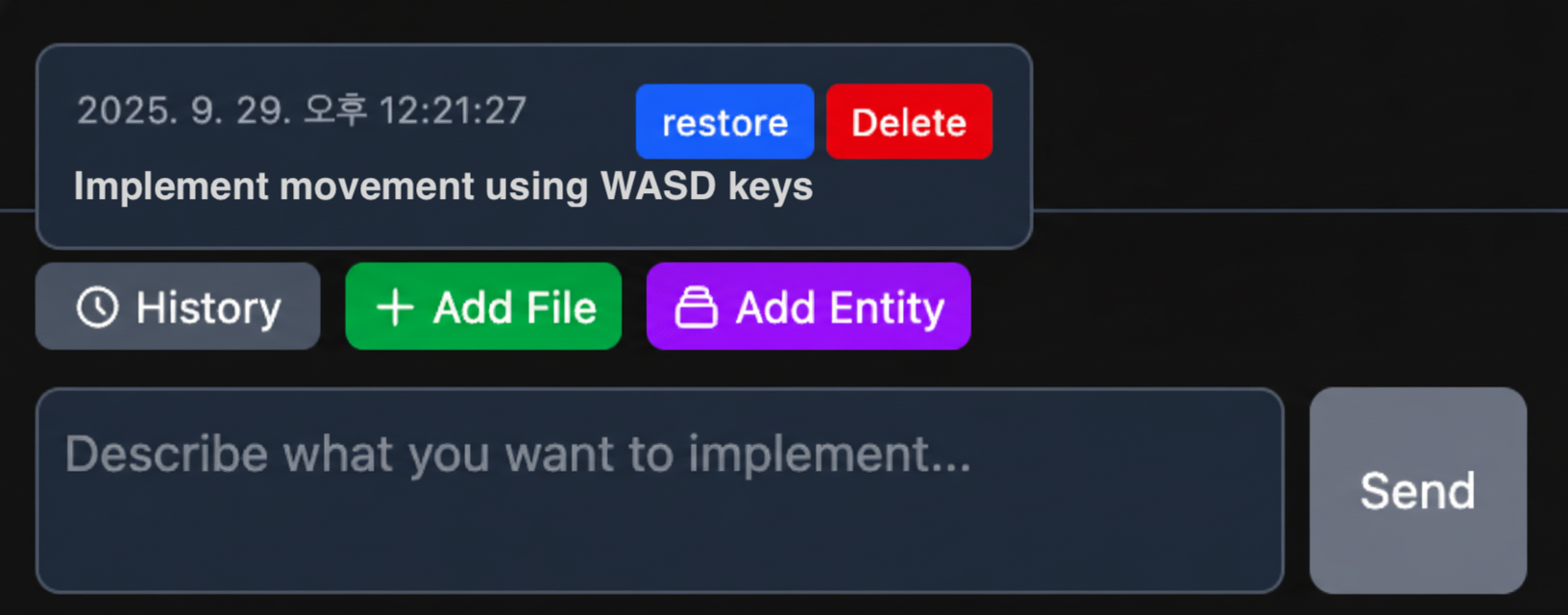
3. History
Check and manage the history of code generated by AI.
-
Restore: Revert to the state before applying changes.

-
Delete: Delete a history entry.

4. Add File
Add script files you want to reference.

5. Add Entity
Add entities to reference.

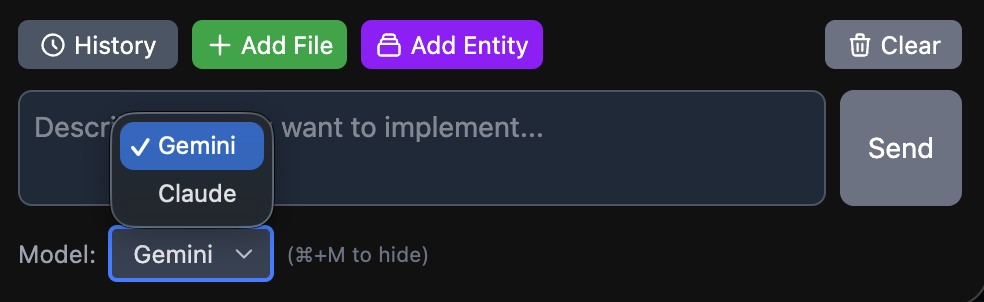
6. Model
Press the shortcut Command + M (macOS) or Alt + M (Windows) to open or close the model selection window.
Here, you can change the AI model.
2. Generating Code
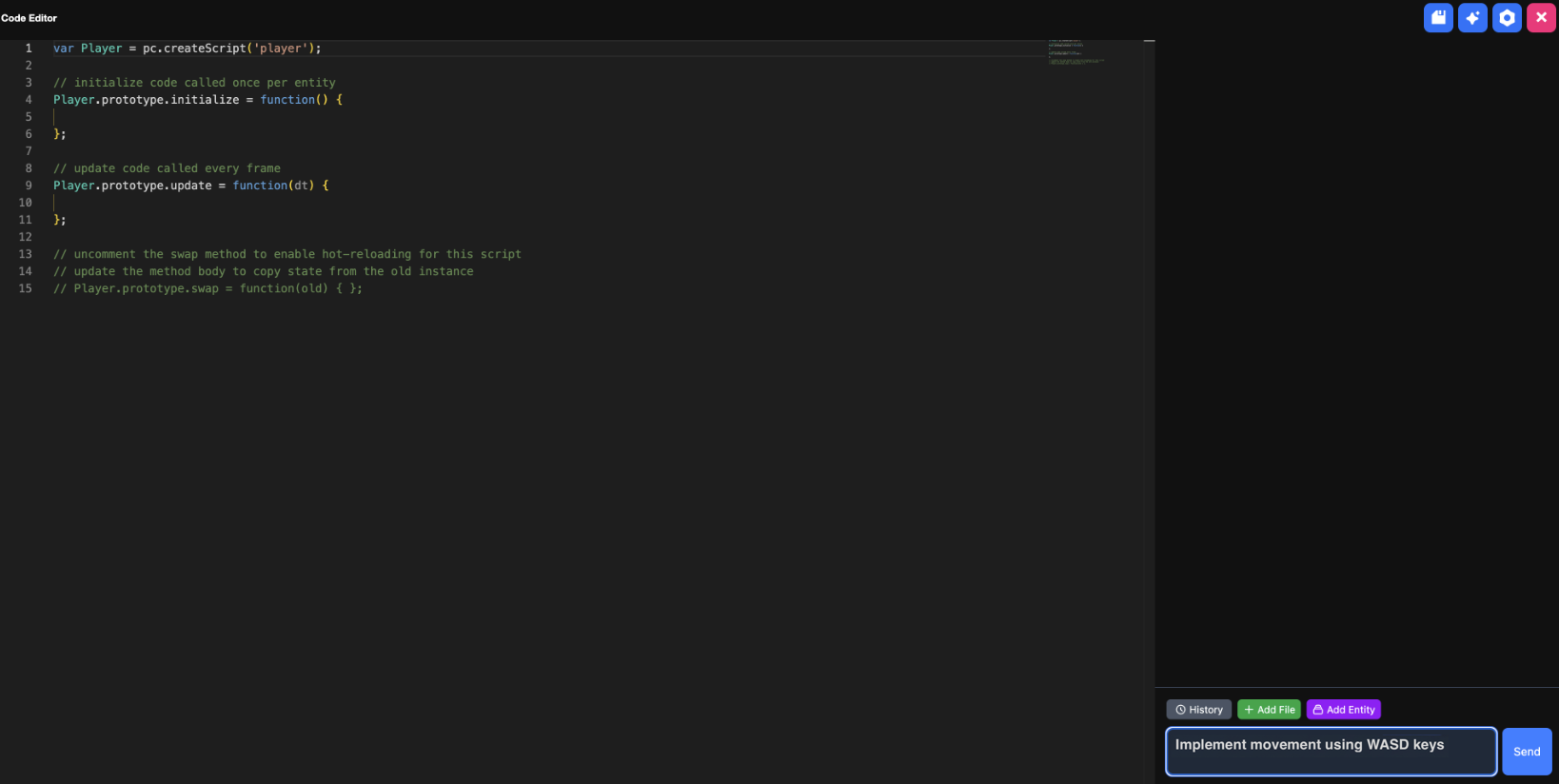
- Enter the command you want to implement into the prompt window and click the Send button.
- Example:
"Implement movement using WASD keys"
- Example:
- Click Apply Current Code.

- Use the Undo All/Keep All buttons to update the code.

- Undo All: Revert back to your original code (before the generated code).
- Keep All: Save to history and apply the newly generated code.
info
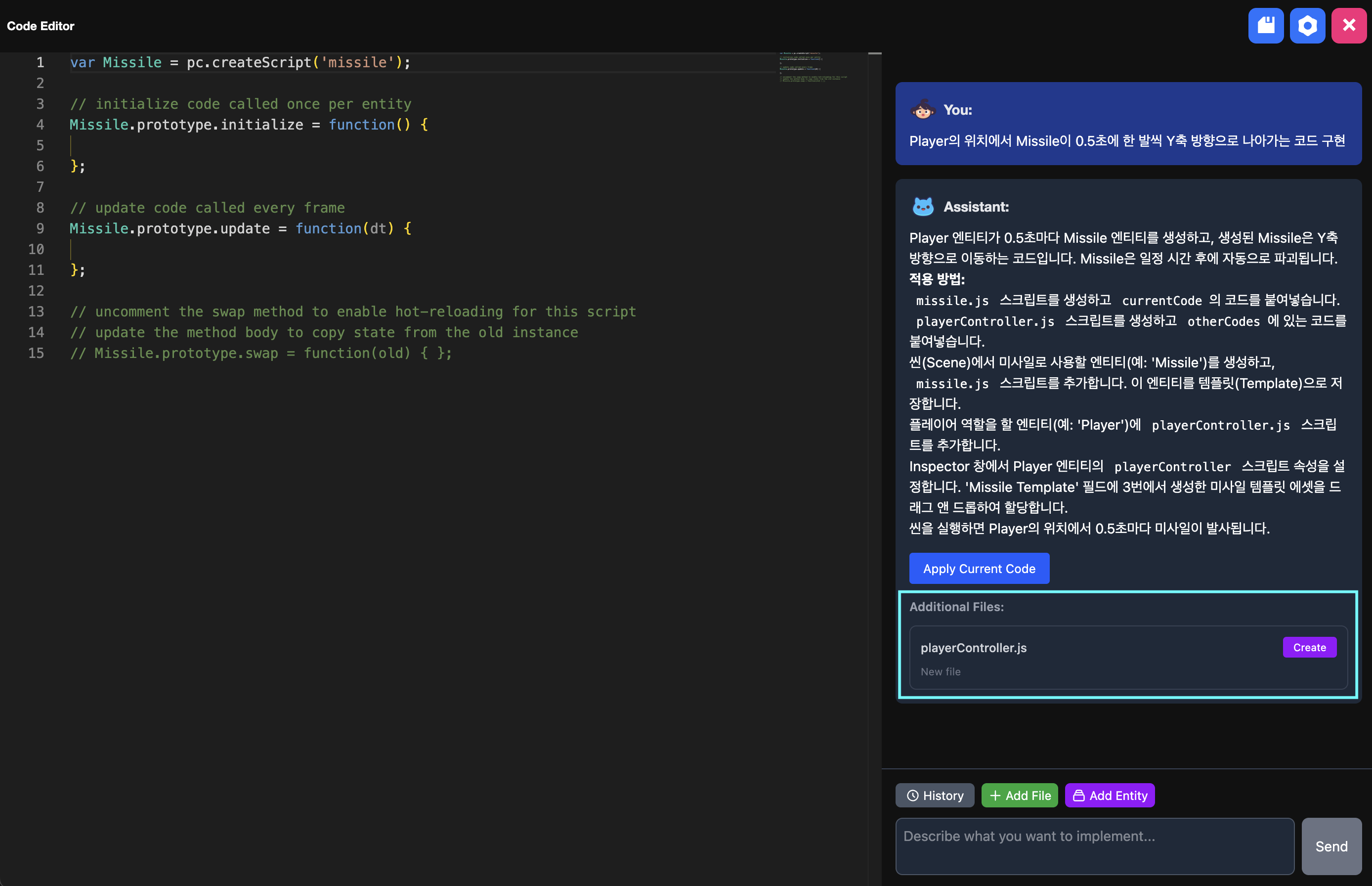
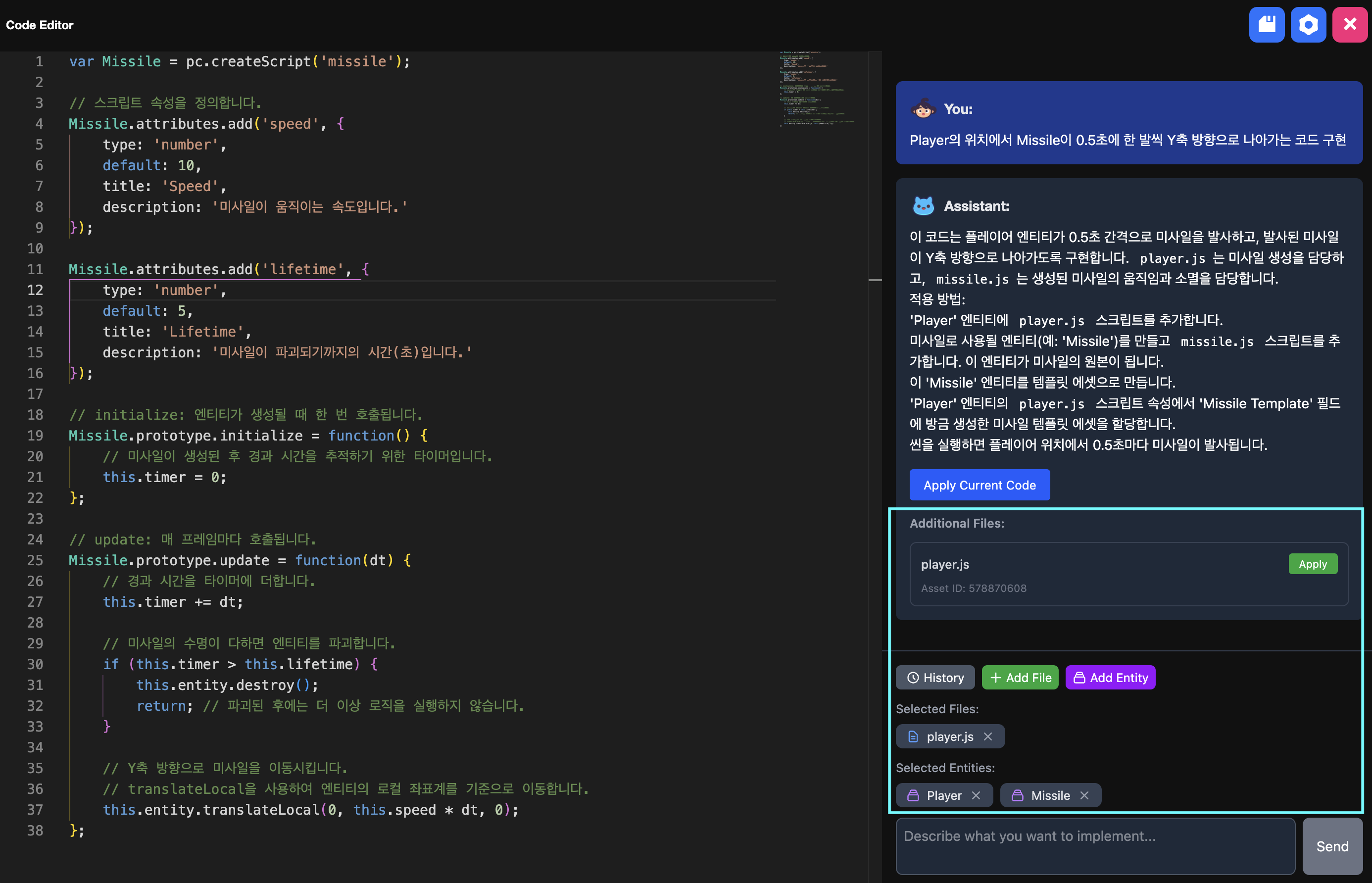
Additional Files
- Create: Newly generated script that creates a script in the asset view root when clicked
- Apply: Modified reference script that updates the reference script when clicked