Leaderboard
Learn about OasisW's leaderboard system.
Note
This feature requires a server entity to be created.
OasisW Studio Leaderboard Creation Procedure
-
Visit OasisW Studio.
-
Click Leaderboard then click create new leaderboard.
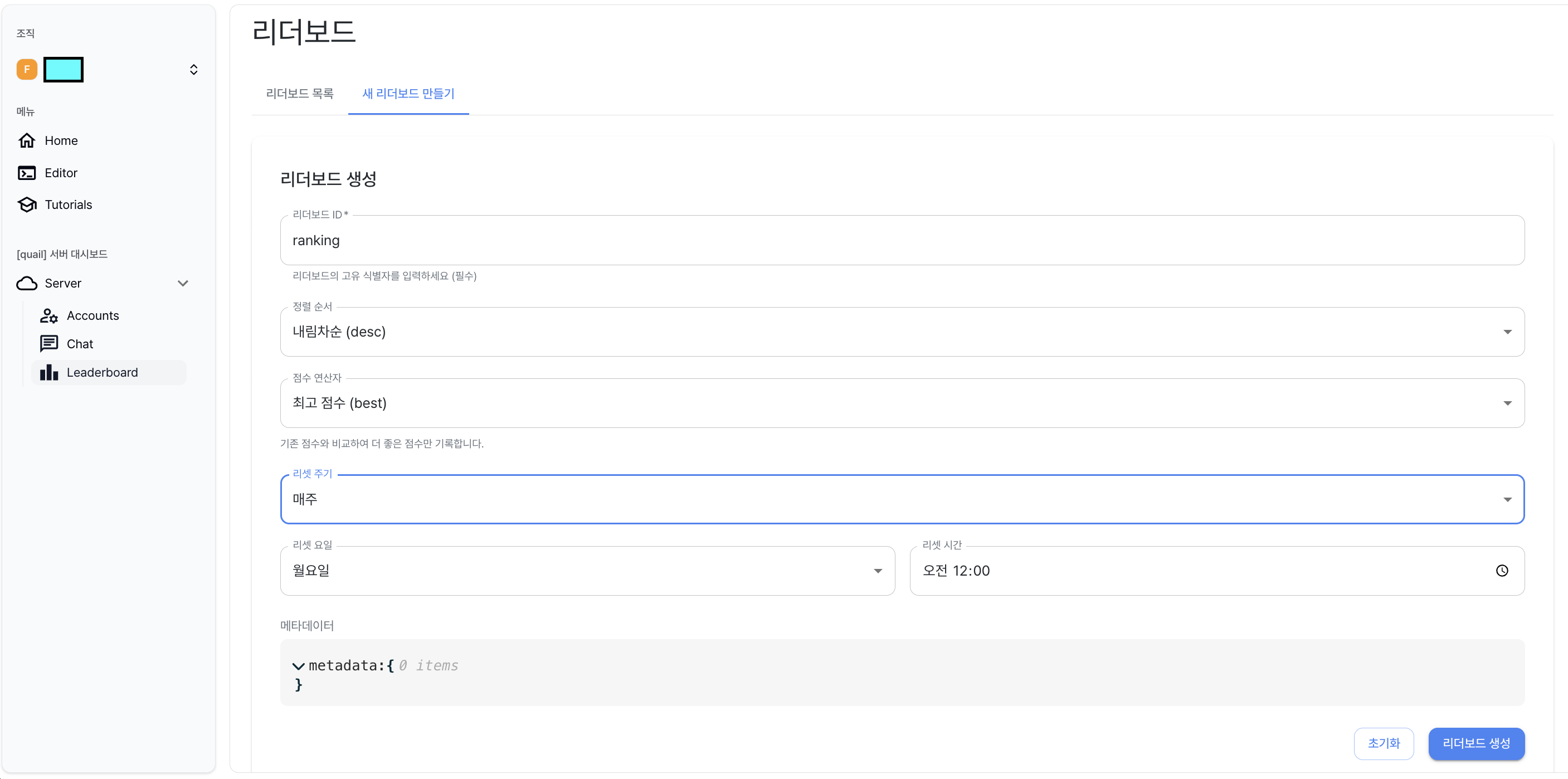
- You can check the newly created leaderboard in the leaderboard list.

Editor Leaderboard Setup Procedure
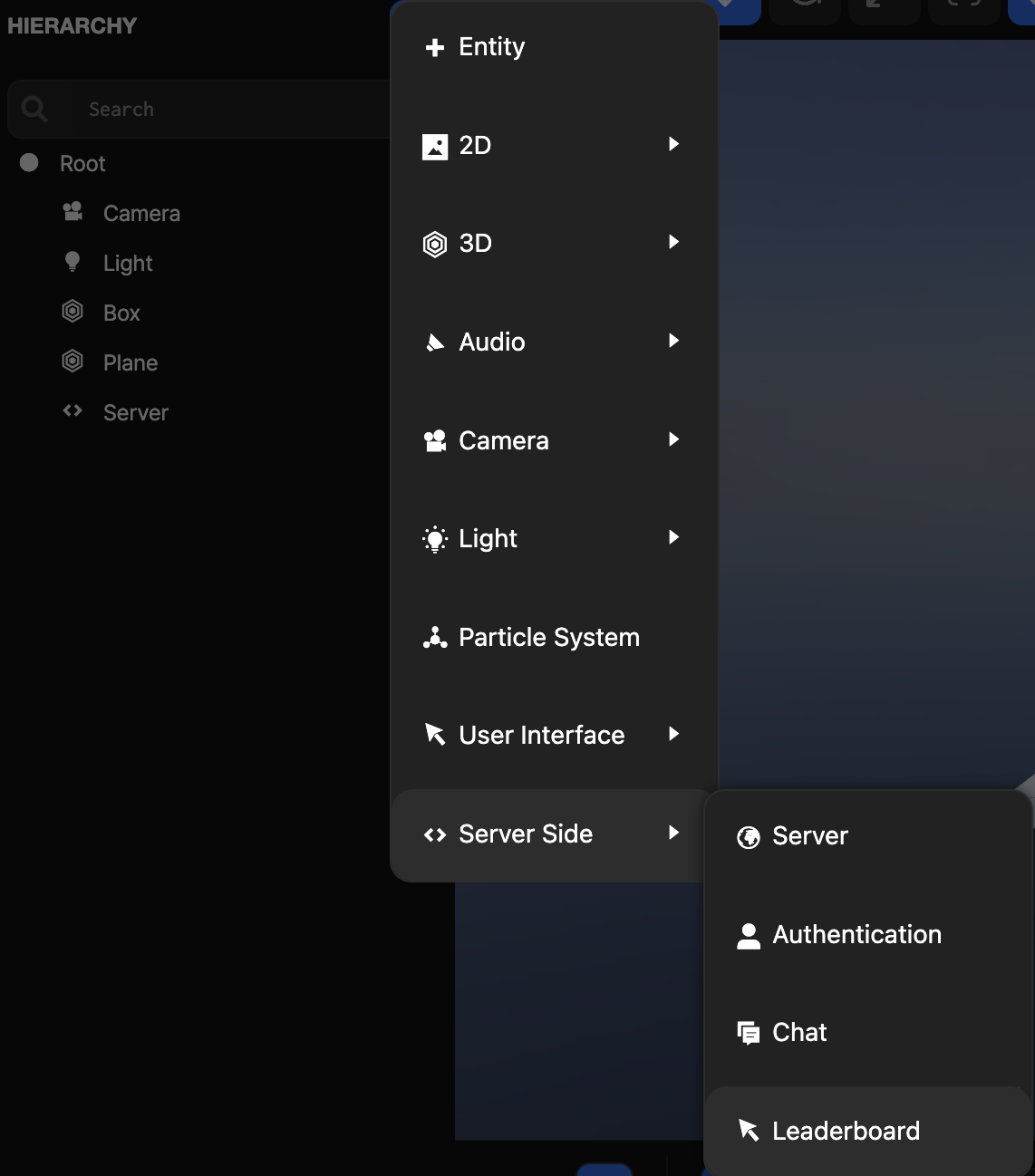
- In the Hierarchy view, click Add Entity(+) button → Select Server Side → Leaderboard.
- Related templates and leaderboard.js file are automatically created in the Asset view.
- Leaderboard is created under 2D Screen in the Hierarchy view.
- Click Leaderboard → Inspector view → Select the leaderboard to use in script.

Execution Procedure
-
Click Launch in the Toolbar.
-
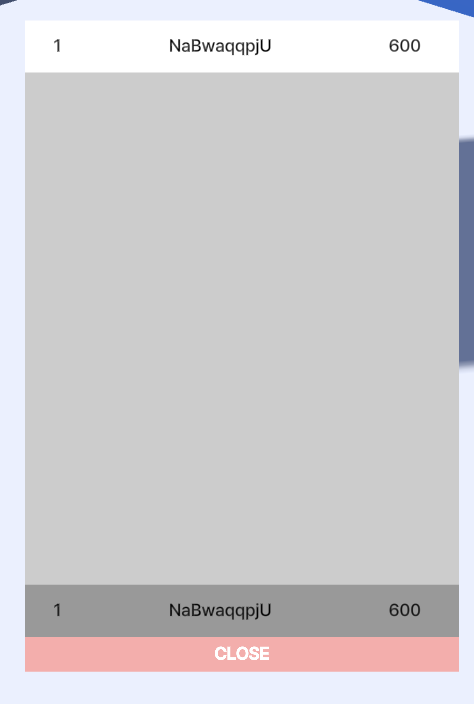
Click the Leaderboard button to check it.
- When adding score, it is registered with the logged-in guest account.
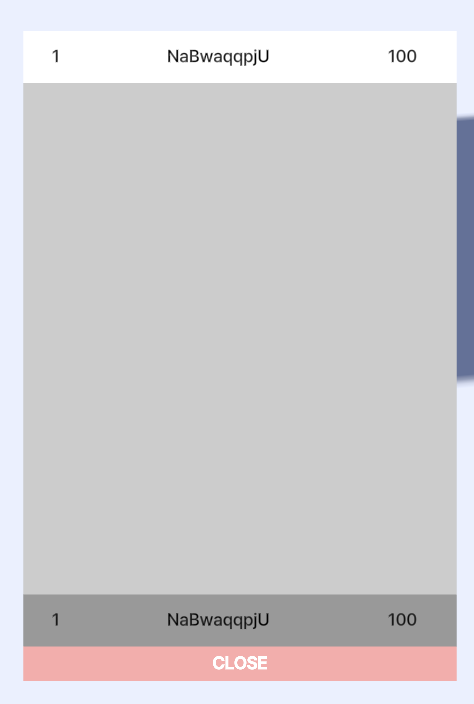
How to Apply Score
- Apply a script containing a score registration function to an entity.
pc.app.fire("leaderboardRecord:write", {score: 1000})
- Code that registers score when Enter key is pressed.
var ScoreSubmit = pc.createScript('scoreSubmit');

// initialize code called once per entity
ScoreSubmit.prototype.initialize = function() {
    // Example: Set to register score when Enter key is pressed
    this.app.keyboard.on(pc.EVENT_KEYDOWN, this.onKeyDown, this);
};

// Score registration event
ScoreSubmit.prototype.submitScore = function(score) {
    // Request to record score on leaderboard
    this.app.fire("leaderboardRecord:write", { score: score });
    console.log("Score registration request:", score);
};

// Key input detection example
ScoreSubmit.prototype.onKeyDown = function (event) {
    if (event.key === pc.KEY_ENTER) {
        // Register 1000 points when Enter key is pressed
        this.submitScore(1000);
    }
};
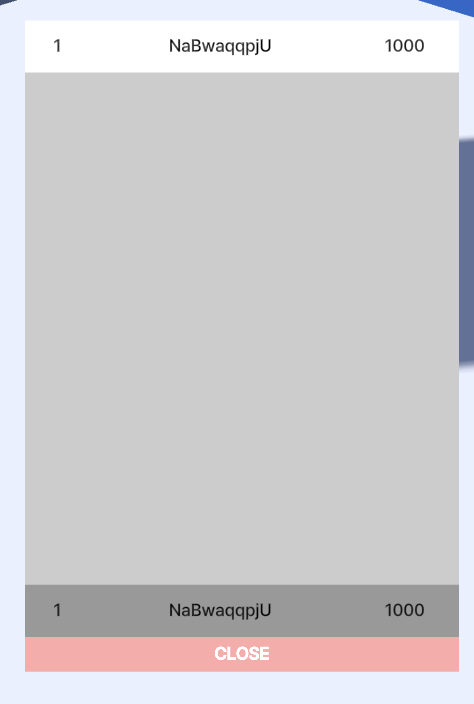
You can check the changed score when you press Enter.